Muse AI Referral Code FJQ93Y: How to Get 1 Billion Free Muse Tokens (2026)
Muse AI Redeem Code
FJQ93Y
Enter it in Muse under Settings > General > Redeem invite code within 48 hours of creating your account. Both you and the person who invited you get 1 billion Muse tokens.
Redeem Code: FJQ93Y. Muse is Meta’s new personal AI agent, and its referral program gives 1 billion free Muse tokens to a new user who redeems a valid invite code, and the same amount to the person who shared it. FJQ93Y is the code we use ourselves, and it works. This guide explains what the tokens are, how to redeem the code step by step, who can use it, and how to avoid the scams that have grown up around “free token” offers.
Disclosure: FJQ93Y is AxeeTech’s own referral code. When you redeem it, we receive the same token bonus you do. It costs you nothing, and we have not been paid by Meta.
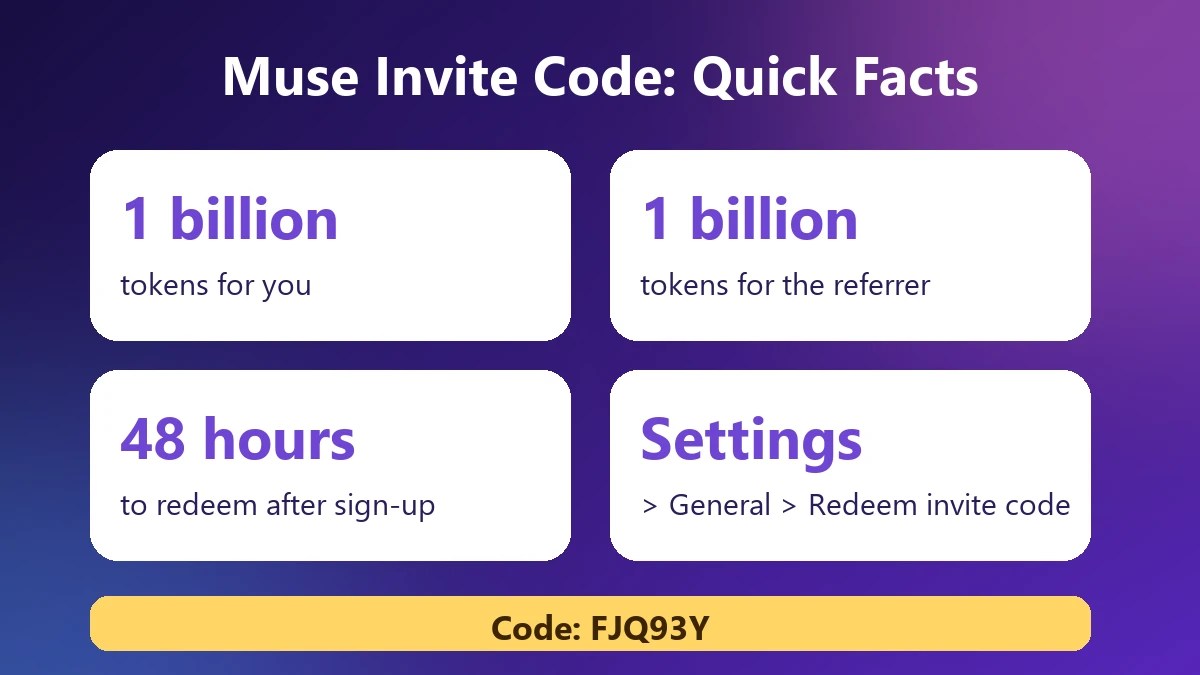
Quick answer: how to get 1 billion free Muse AI tokens
- Get access to Muse (it is invite-gated and limited by region, see below).
- Create your account and finish the age or identity check.
- Open Settings > General > Redeem invite code.
- Type FJQ93Y and confirm, within 48 hours of creating the account.
- Check your token balance. You should see the 1 billion bonus.
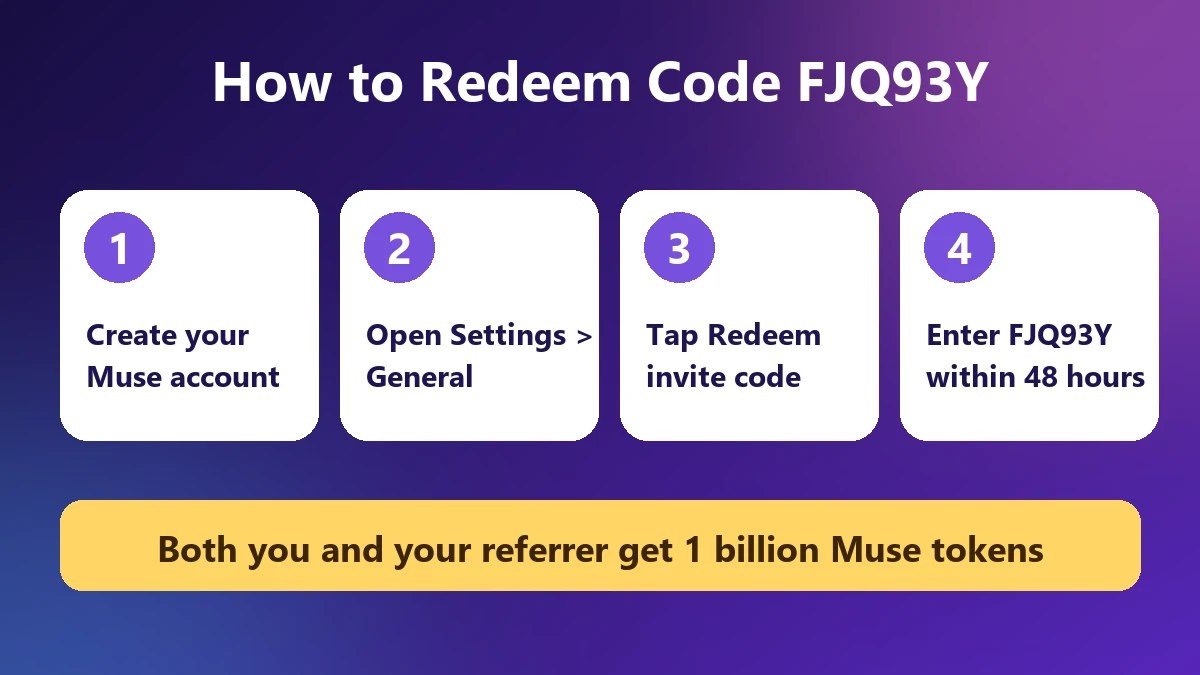
The 48-hour limit is the part people miss. The Muse invite screen says new users get the bonus when they redeem a code in Settings within 48 hours of joining. Bitdoze (September 28, 2026) and Resourify report the same limit, so redeem the code first, before you explore the app.
Is FJQ93Y still available? Code use limit
Each Muse invite code can only be redeemed a limited number of times. When we checked the invite screen on October 13, 2026, FJQ93Y showed 21 friends redeemed and 9 uses left. If it has reached its limit by the time you read this, the app will reject it. In that case ask a friend who already uses Muse for their own code, because every account gets one.
What is Muse?
Muse is a personal AI agent from Meta, which on October 12, 2026 also launched its first frontier models, as covered in our Muse Wonder launch report. Unlike a chat-only assistant, it is described as running on its own cloud computer for each account, so it can browse the web, write code, manage files, create documents and keep working on tasks in the background. Bit doze says it runs on Meta’s Muse Spark model, and other site says it asks for your approval before sensitive actions such as sending messages or making purchases.
It is an early product. Third-party reviewers call it a 1.0 release with rough edges, and its behaviour and limits may change.
What is a Muse token?
A token is Muse’s internal meter for agent work: conversations, background tasks, browser sessions and generated files. Meta has not published a conversion table, so there is no official price for a token or for 1 billion of them.
Third parties estimate the value differently. Some sites puts it at around $32 per billion tokens, while other referral blogs quote figures near $50. Treat these as guesses. What matters in practice is how long the tokens last. One reviewer calculates that using about one million tokens a day would stretch 1 billion tokens to nearly three years. That is arithmetic on an assumption, not a Meta figure, and heavy agent work will use tokens faster.
According to Resourify, the bonus tokens do not expire, and Muse’s normal free-tier limits and paid plans still apply on top. Meta has not published the size of the free allowance, how often it refreshes, or paid prices.
How the Muse referral program works

- A new user redeems an invite code in Settings.
- The new user and the referrer each get 1 billion tokens.
- The code must be redeemed within 48 hours of creating the account.
- Each code has a use limit. FJQ93Y showed 9 uses left after 21 redemptions. Other guides mention a limit of 20 referrals per account and early access to unreleased features for referrers who fill all their slots, so the limit may vary by account or change over time.
We could not find an official Meta announcement of the program. The details above come from the in-app invite screen, plus third-party guides that agree with each other. Check the Redeem invite code screen in your own app for the current terms.
Step-by-step: redeem FJQ93Y
Step 1: Get access
Muse is invite-gated, and some users report a waitlist. Official availability is reported as the United States, with one source adding Canada. Use the real Muse app or website from Meta, never a link from a stranger.
Step 2: Create your account
Sign up with your details. Reviewers report an age check, with the app listed as 18+ on iOS. One guide says signup offers either a card verification of about $1, described as refunded, or verification through Facebook or Instagram. Follow the prompts in the app, because they may differ for you.
Step 3: Redeem the code immediately
Go to Settings > General > Redeem invite code, type FJQ93Y exactly as shown (all capitals) and confirm. Do this before anything else, because the 48-hour clock starts when the account is created.
Step 4: Confirm the bonus
Check your balance or usage screen. If the bonus is not visible, close and reopen the app, then check again.
Can you use this code?
- New accounts only: the code is for accounts created within the last 48 hours.
- Region: Muse signup checks your location. We do not recommend using a VPN or other workaround. It may break Meta’s terms and put your account at risk.
- Age: the app is rated 18+ on iOS.
- One code per account: you cannot stack multiple codes.
How to get even more tokens
Once you have an account, you have your own invite code in the app. The invite screen shows it with a Copy referral link button and a running total of tokens you have earned. Share it with friends, family or your community. Each person who redeems it gets 1 billion tokens, and so do you. Only share your code with people who want to try Muse, and do not spam it. Each code has a use limit, and Meta may change or end the program at any time.
FJQ93Y not working? Troubleshooting
- The code has reached its limit: FJQ93Y had 9 uses left on October 13, 2026. Once those are gone, use a friend’s code.
- More than 48 hours since sign-up: the field may be missing or the code rejected. No verified workaround exists.
- You already used a code: only one redemption is reported per account.
- Typo: type it in capitals: F-J-Q-9-3-Y.
- Region or waitlist: if the option does not appear, your account may not have full access yet.
- Old app version: update the app, then try again.
What can you do with Muse?
- Research a topic and produce a summary document.
- Browse sites and complete multi-step tasks.
- Write and run code and manage files.
- Work in the background and report back.
- Create artifacts such as documents, which reviewers note use tokens.
Because heavy tasks use more tokens, start with small jobs and watch your balance to learn how fast it drops.
Staying safe: avoid free-token scams
- Only enter codes inside the official Muse app under Settings.
- Never pay for an invite code. Referral codes are free.
- Ignore “token generators” or sites asking for your password, card number or a survey. Muse tokens cannot be generated outside the app.
- Be careful with what you ask the agent to do. Reviewers note that published podcast episodes are public to anyone with the link.
- Remember that Muse is an agent that can act for you. Read approval prompts before you accept.
Frequently asked questions
What is the Muse redeem code?
Our code is FJQ93Y. It is entered in Settings > General > Redeem invite code.
How many free tokens does the code give?
1 billion Muse tokens for you and 1 billion for the referrer.
Do Muse tokens expire?
One guide says the bonus tokens never expire. Meta has not published terms, so check in the app.
Is Muse free?
Reports say Muse is free to use with a usage limit, and that paid plans exist. Meta has not published the allowance or prices.
Is it safe to use a referral code?
Yes, when you enter it inside the official app. Never share your password or pay anyone.
Can I use more than one code?
Reports describe a single redemption per account.
Related AI guides on AxeeTech
- Meta launches Muse Wonder, its first frontier AI model: what the new models mean for Muse.
- ChatGPT Free: what you get, limits and how to use it: compare another free AI assistant.
- How to deploy autonomous AI agents: see what agents can do in practice.
- Fellou invite codes: another invite-gated AI agent browser.
- Sora 2 invite codes: how OpenAI’s invite system worked.
- 15 best free AI image generators: free AI tools you can use without tokens.
- ArtCraft: free AI-made Adobe and Office alternatives: another free AI studio to try.
Sources and how we checked
- The AxeeTech owner’s invite screen, October 13, 2026: 21 redemptions, 9 uses left.
- We found no official Meta page for the referral program, so some program terms come from third-party reports. Details may change, so check in the app.

Axee Davies is the founder of AxeeTech, publishing gaming guides, codes, and Windows how-tos since March 2013. A tech enthusiast for 13+ years — starting with smartphones and Android rooting — he now runs a site that puts out a new guide every day for Roblox players, traders, and Windows users. More about AxeeTech