How to Fix Nintendo eShop Not Available [Error Code 2813-0988]
Many users around the globe are complaining about the Nintendo eShop Not Available Error showing on their screens with Error Code 2813-0988. This usually happens most of the time if you are trying to access the Nintendo eShop from a country it’s not supporting.
But currently, some network failures are pointing this Error Code 2813 on Nintendo eShops even in US, Canada, and the UK. These countries are legally on the list of Nintendo eShops.
So The best solution is to bypass this error by simply changing your Country temporarily and accessing your account from a different location using any VPN.
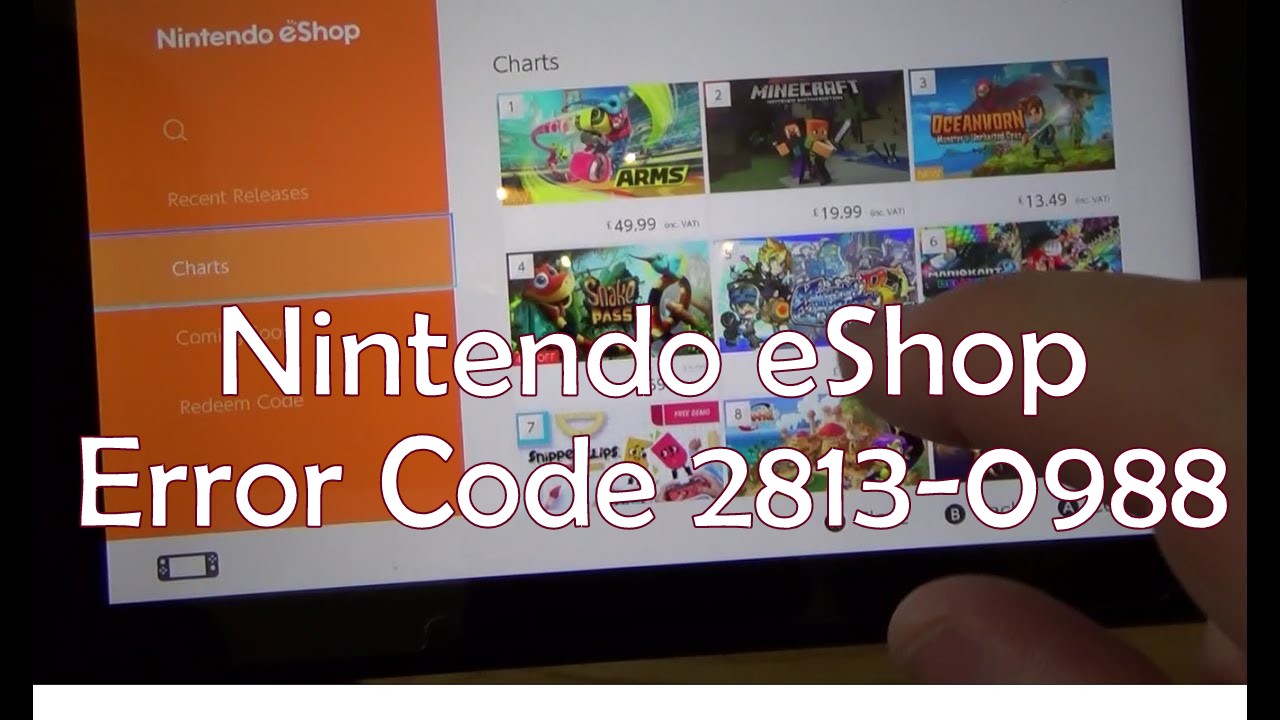
What the Error 2813-0988 Nintendo eShops:
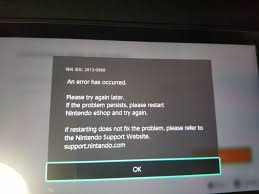
Here is the actual Image of the eShop Nintendo Error along with the message that reads, Error Code: 2813-0998 “Nintendo eShop is not currently available in your country. Thank you for your interest in Nintendo eShop.”
Also Read:
- Fix Roblox Error 279
- How to Fix Roblox Error 282.
- How to Fix VID 218 Error Optimum DVR.
How to Fix Nintendo eShop in Not Currently Available in Your Country
- Set your Nintendo Switch device country. Go to Settings, then System and Select Region. From here select The Americas.
- Now open Nintendo eShop. From here, you will be asked to enter a region, select United States as your region.
- Once you’re inside the Nintendo eShop. We also have to set your zipped code. To do this, go to Location Settings, click Change, and set it to 97330 as your zipped code.
This will help in most cases.
IF the Error 2813-0988 Still Exists:
If you still receive the same error when trying to open the Nintendo eShop, you can try the following suggestion below.
- Create a New Nintendo Account that is set in the Americas with the above zipcode. Then try opening eShop again.
- If the above is not working, you need to reformat your Nintendo Switch and use the account that is set to Americas region.
There is a chance that the Error gets fixed backend from the Developers at Nintendo eShop. But if it still remains. You can comment here and we will try finding another fix for this.

Axee Davies is the founder of AxeeTech, publishing gaming guides, codes, and Windows how-tos since March 2013. A tech enthusiast for 13+ years — starting with smartphones and Android rooting — he now runs a site that puts out a new guide every day for Roblox players, traders, and Windows users. More about AxeeTech
More How to You May Like
 Top 3 Free online MBOX to PST Converters
 Common Causes of Sewage Backup That Require Emergency Sewage Cleanup Services
 Windows Resource Protection Could Not Start the Repair Service
 MEMORY_MANAGEMENT Blue Screen in Windows 10 and 11: 8 Fixes
 Night Light Not Working in Windows 11: 7 Easy Fixes
 Windows 11 Update Stuck at 46%: 7 Proven Fixes
 Start Menu Not Working in Windows 11: 7 Fixes That Work
 Repair Windows 10 From USB: 7 Step-by-Step Fixes