ArtCraft Review: 12 Free Adobe & Microsoft Office Alternatives (Launcher + Download Guide)
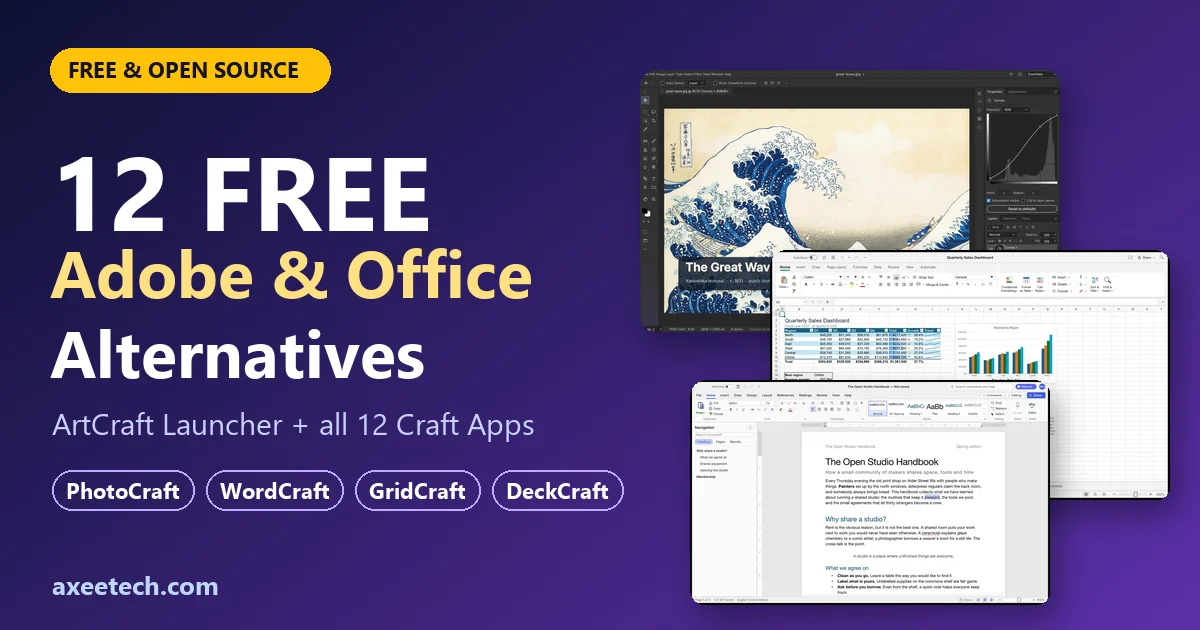
Paying every month for Photoshop, Premiere, Word, Excel and PowerPoint adds up fast. ArtCraft (getartcraft.com) is a new project that offers a family of 12 free, open-source “Craft” apps covering photo editing, vector art, video, PDFs, documents, spreadsheets, slides, audio and CAD, all installed from a single launcher.
This guide explains what ArtCraft is, how the launcher works, how to download every one of the 12 apps, and how ready each one actually is. We read each app’s official page while writing this, and the version numbers below are what the site listed in October 2026.
Quick verdict: the apps are free, open source and run offline, but almost all are labelled “in development” or “early alpha”. Treat them as promising tools to test next to your current software, not as drop-in replacements for daily Adobe or Office work yet.
What is ArtCraft?
ArtCraft began as an open-source studio for controllable AI image and video creation, built for artists. It runs on Windows, macOS and in a web browser, and its full source code is on GitHub. The site says it is free to start, needs no subscription, and that you own your work.
Alongside the AI studio, the team publishes 12 Craft Apps: standalone creative and office programs written in the Rust programming language. Their pages describe them as native apps that work offline with no account and no telemetry, and several can also be automated through a command-line tool and an MCP server.
Note on comparisons: the official site does not claim that any Craft App replaces a specific Adobe or Microsoft product. The “closest equivalent” column below is our own comparison, based on what each app does and which file formats it supports.
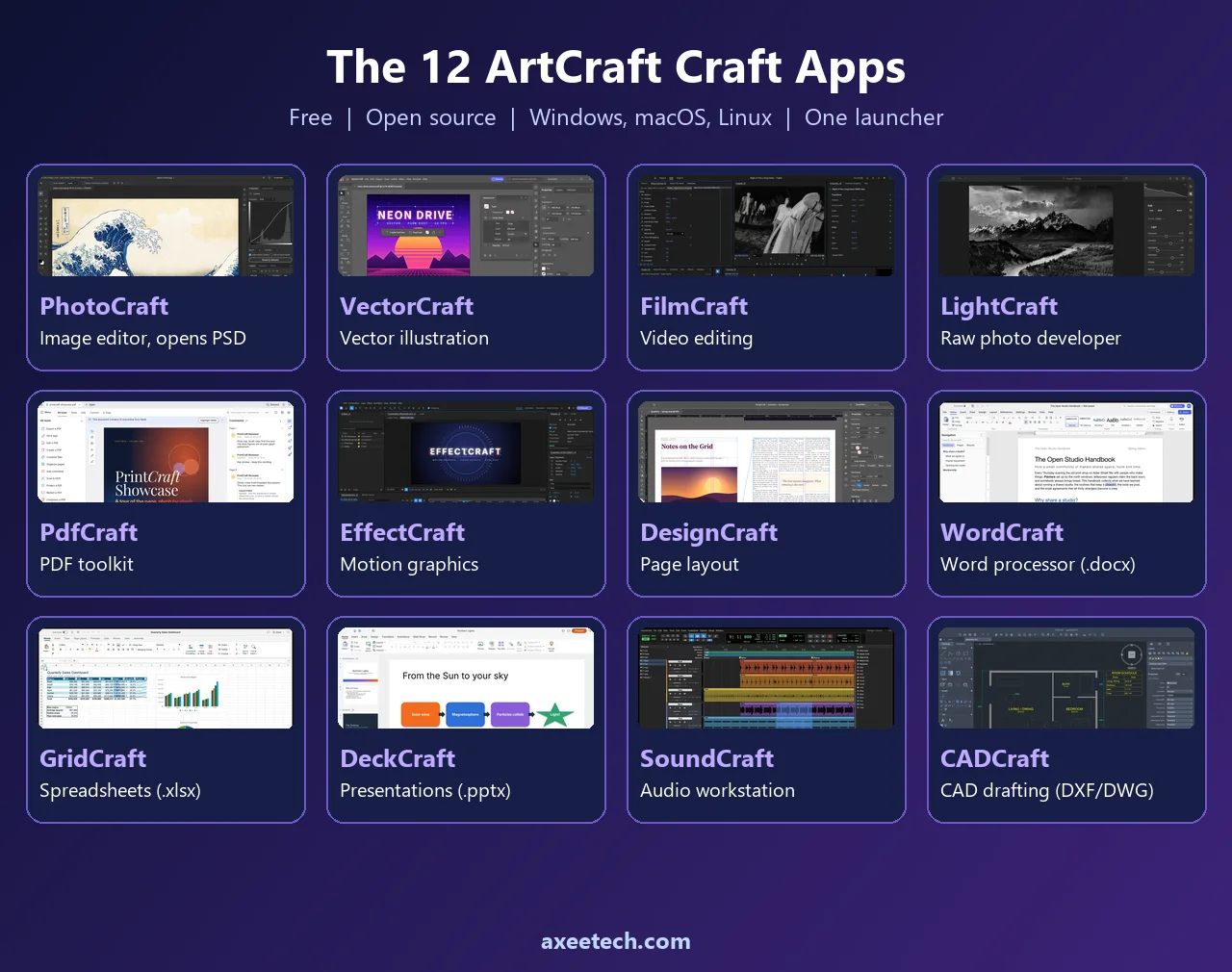
The 12 Craft Apps at a glance
| Craft App | What it does | Closest equivalent (our comparison) | Status (version) |
|---|---|---|---|
| PhotoCraft | Layered image editor, opens PSD/PSB | Adobe Photoshop | Early alpha (0.7.0) |
| VectorCraft | Vector illustration | Adobe Illustrator | In development (0.9.0) |
| FilmCraft | Multi-track video editor | Adobe Premiere Pro | In development (0.6.0) |
| LightCraft | Local photo library and raw developer | Adobe Lightroom | In development (0.6.0) |
| PdfCraft | Read, organize, combine, split and secure PDFs | Adobe Acrobat | Early alpha (0.6.0) |
| EffectCraft | Motion graphics and visual effects | Adobe After Effects | In development (0.8.0) |
| DesignCraft | Page layout and publishing | Adobe InDesign | In development (0.6.0) |
| WordCraft | Word processor, opens .docx | Microsoft Word | In development (0.5.0) |
| GridCraft | Spreadsheets, opens .xlsx | Microsoft Excel | In development (0.5.0) |
| DeckCraft | Slide presentations, opens .pptx | Microsoft PowerPoint | In development (0.5.0) |
| SoundCraft | Audio recording, editing and mixing | Adobe Audition | In development (0.5.0) |
| CADCraft | CAD and drafting, DXF/DWG | AutoCAD | In development (0.5.0) |
How the ArtCraft Launcher works
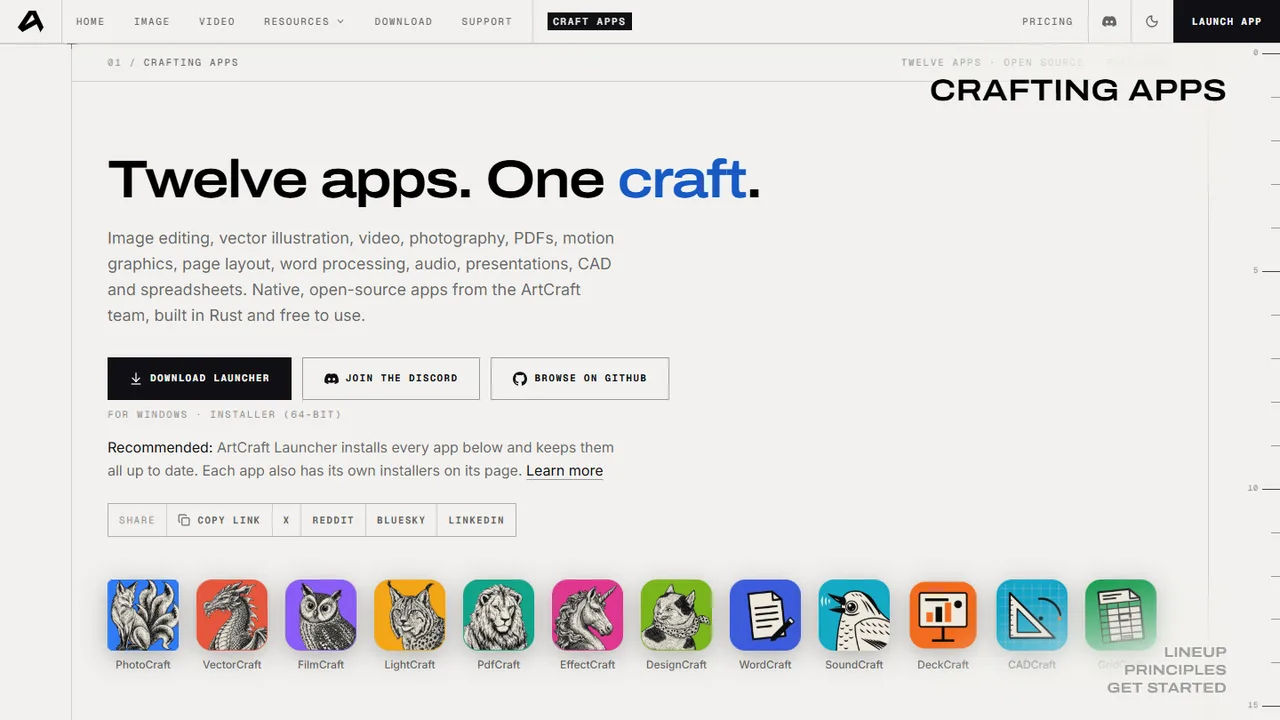
The ArtCraft Launcher (v0.2.1 at the time of writing) is the recommended way to get the apps. Instead of hunting for a separate installer for each program, you install the launcher once and use it to install and update all twelve. From its official release notes:
- One place for every app. It installs the Craft Apps from GitHub and keeps them up to date.
- Updates itself. It checks for launcher updates on startup and asks you to relaunch.
- Picks the right build for your system. On Linux it prefers Flatpak and chooses the package format from your distribution. On macOS it only installs apps signed by the Craft team. On Windows it prefers the Direct3D 12 renderer.
- Works behind a proxy and can install apps from local repositories instead of GitHub.
- Languages: the interface includes German, French and Brazilian Portuguese.
- Tray support: you can quit from the system tray even when the window is minimised.
How to download and install the Craft Apps
Option 1: Use the launcher (recommended)
- Open getartcraft.com/apps and follow the launcher link. It goes to the official release page on GitHub (
github.com/storytold/craft-launcher, release v0.2.1). - Download the file for your system (Windows, macOS or Linux) from the Assets list and run it.
- Open the launcher, pick any of the 12 apps and click install. Future updates are handled for you.
Safety tip: only download from getartcraft.com or the official GitHub account (storytold). Look-alike sites that bundle malware are common for popular free software.
Option 2: Download each app on its own
Every app page at getartcraft.com/apps/<app-name> (for example /apps/wordcraft) offers standalone installers: a macOS universal .dmg, Windows .msi installers (64-bit, 32-bit and ARM64) or portable .zip files, Linux Flatpak, AppImage, .deb, .rpm or tarball packages, and a FreeBSD tarball. A self-hostable WebAssembly web build is available too, and every app except FilmCraft has a hosted web version. Each release includes a SHA-256 checksum file so you can verify your download.
Option 3: Build from source
Developers can clone the GitHub repository and run, for example, cargo run --release -p wordcraft. This needs Rust 1.90 or newer (FilmCraft and EffectCraft ask for 1.95).
The ArtCraft AI studio
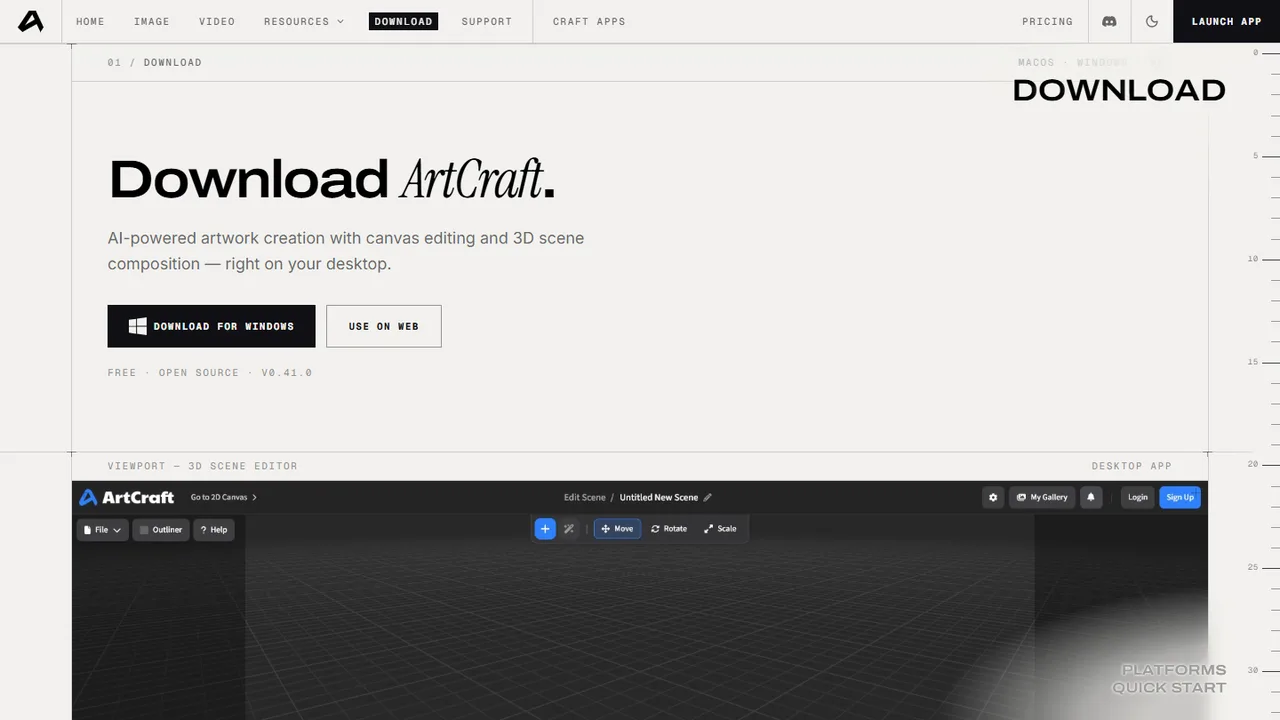
The AI image and video studio is separate from the 12 Craft Apps. On getartcraft.com/download you get ArtCraft_0.41.0_x64-setup.exe for Windows 10 (64-bit) or newer, and ArtCraft_0.41.0_universal.dmg for macOS 12 or newer. The site recommends 8 GB of RAM and 2 GB of free storage. You can also skip the install and use it in the browser at app.getartcraft.com. For more free AI image tools, see our list of the best free AI image generators. After installing, sign in or create a free account.
The 12 apps in detail
1. PhotoCraft: the Photoshop-style image editor
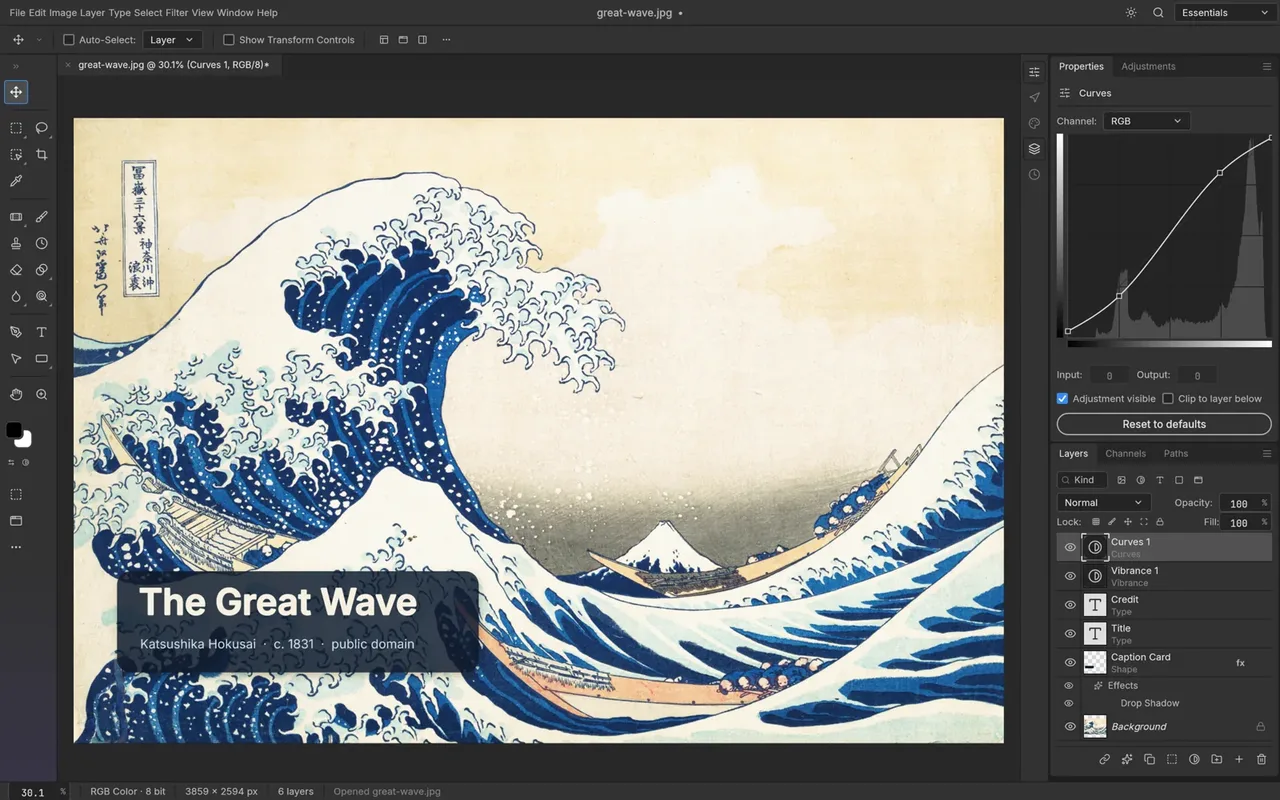
PhotoCraft is a native image editor with layers, masks, adjustment layers, layer styles, type, vectors and brushes. It uses GPU rendering (Metal, Vulkan, DirectX 12) with no Electron or web view, so it is built to feel fast. Editing is non-destructive, with 16 adjustment layers, 70+ live-preview filters and smart objects with smart filters. It supports 8, 16 and 32-bit documents in RGB, CMYK, Lab and Grayscale with ICC colour management, and it opens and saves layered PSD and PSB files. The site says 134 of 135 real-world test files round-trip byte for byte. Status: early alpha, version 0.7.0.
2. VectorCraft: the Illustrator-style vector app
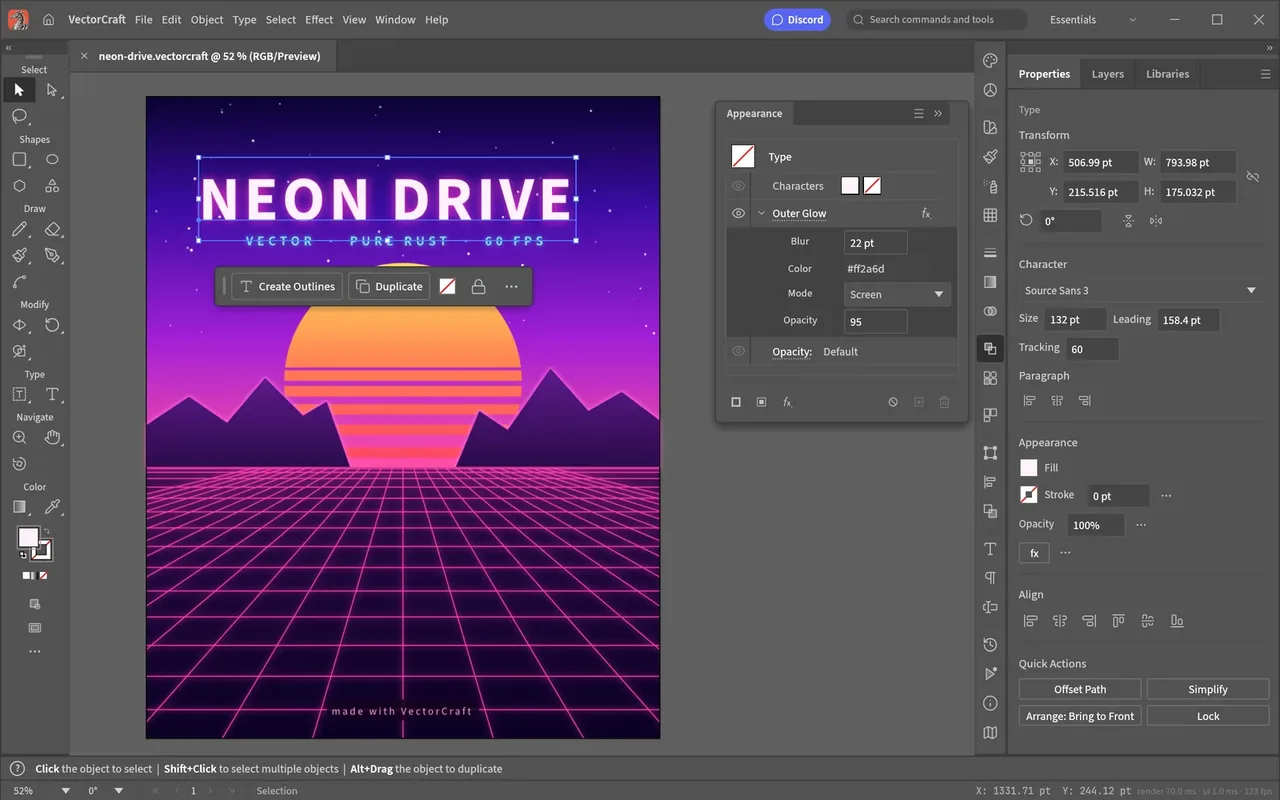
VectorCraft offers pen and direct-selection tools, shape booleans, snapping guides and an appearance panel. Live, editable effects include blends, envelope distort, gradient mesh, radial and grid repeats, glows and drop shadows. An image-tracing tool with 12 presets converts raster images into vector paths. It imports and exports SVG and PDF and exports PNG, JPEG and WebP. Status: in development, version 0.9.0, the highest version number of the set.
3. FilmCraft: the Premiere-style video editor
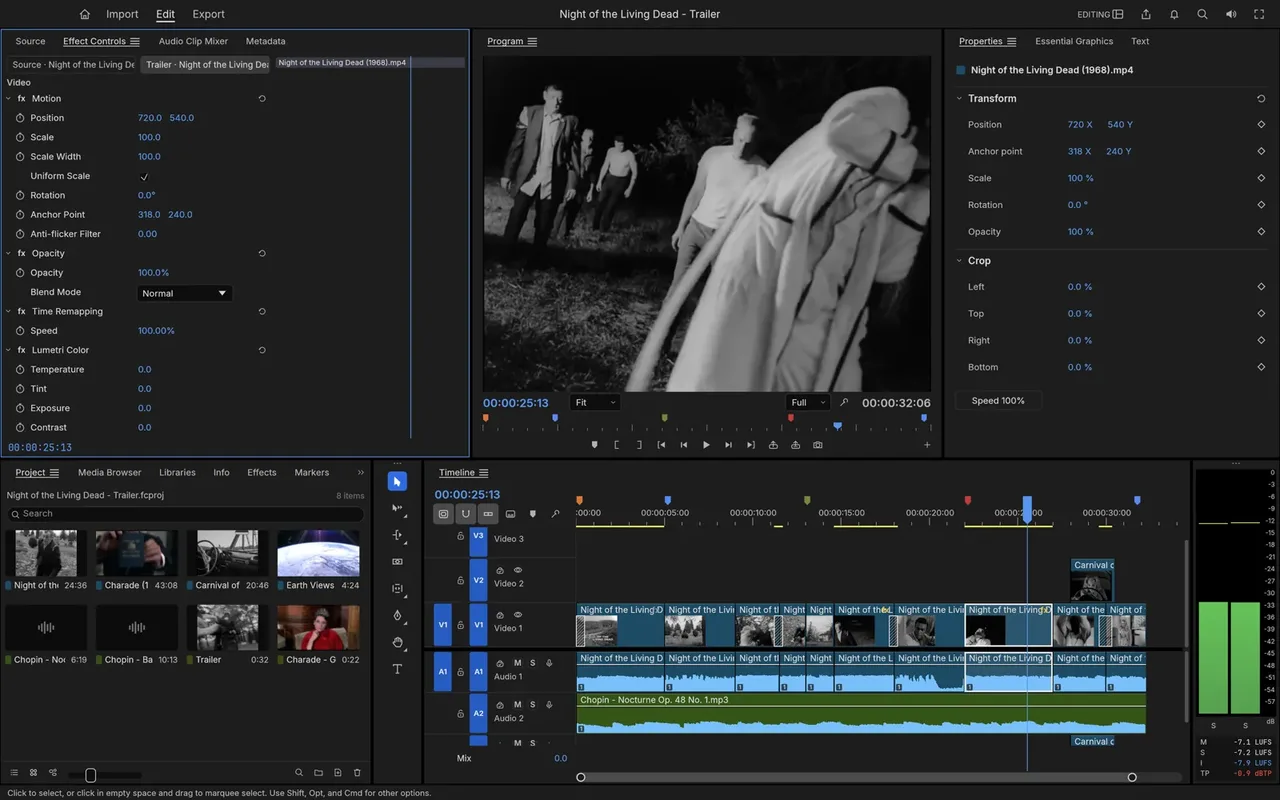
FilmCraft has source and program monitors, a multi-track timeline, three-point editing and J/K/L dynamic trimming. Colour tools include curves, colour wheels, HSL secondaries, LUTs and scopes, and it ships with about 55 video effects, 30 transitions and keyframes with graphs. It uses native codecs (H.264, HEVC, ProRes, VP9, AAC, Opus) with no FFmpeg dependency. Status: in development, version 0.6.0. It is the only Craft App without a hosted web version.
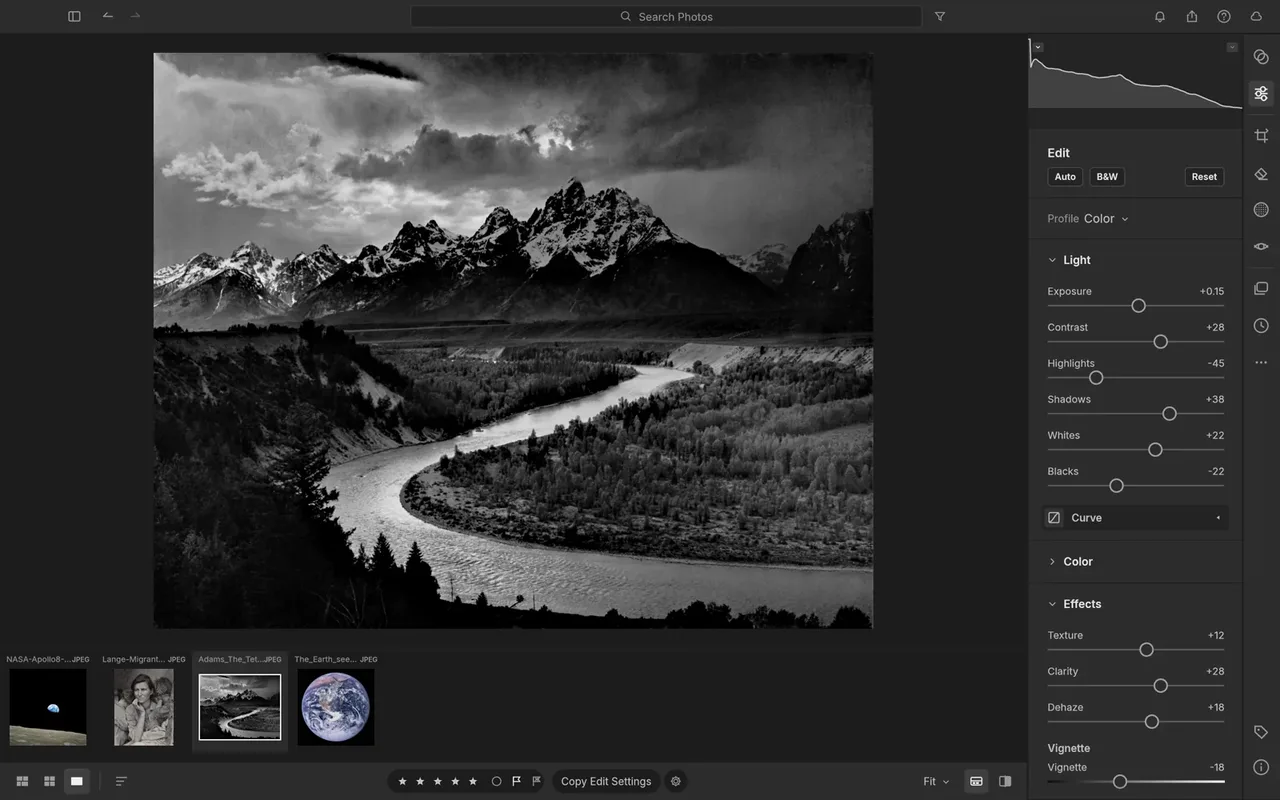
4. LightCraft: the Lightroom-style raw developer
LightCraft is a photo library and non-destructive raw developer that runs fully on your machine, with no account, cloud or telemetry. It offers a tone curve, an 8-band colour mixer, 3-way grading wheels, 18 built-in presets and masking with brushes, gradients, luminance and colour ranges, and sky, subject and background masks. Supported raw formats include DNG, CR2, ARW, NEF, RAF, RW2, PEF and ORF. Status: in development, version 0.6.0.
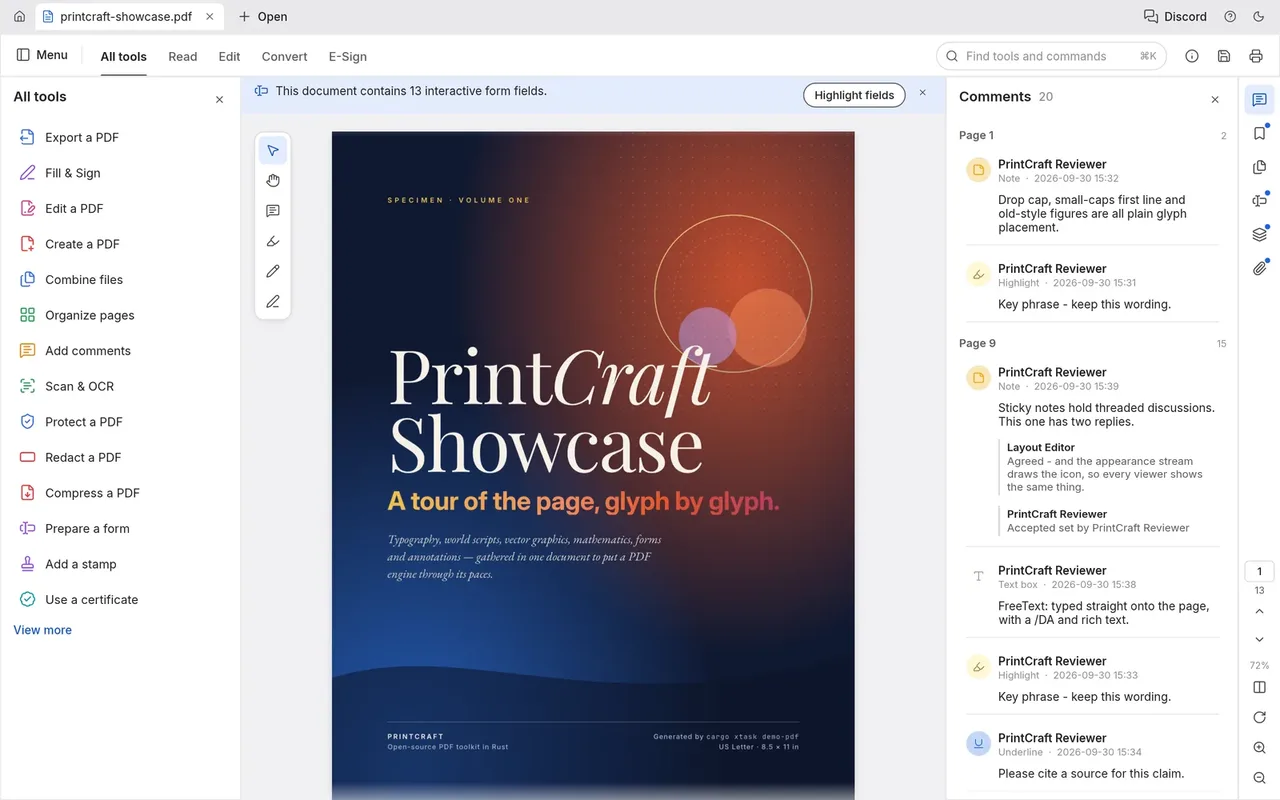
5. PdfCraft: the Acrobat-style PDF workbench
PdfCraft lets you read, organize, combine, split and secure PDFs with no account or cloud component. Page tools cover rotate, delete, insert and reorder with deep undo, and combining or splitting keeps links, form fields, layers and bookmarks. It handles encryption from RC4 to AES-256, honouring author permissions, and it has autosave with crash recovery. Status: early alpha, version 0.6.0.
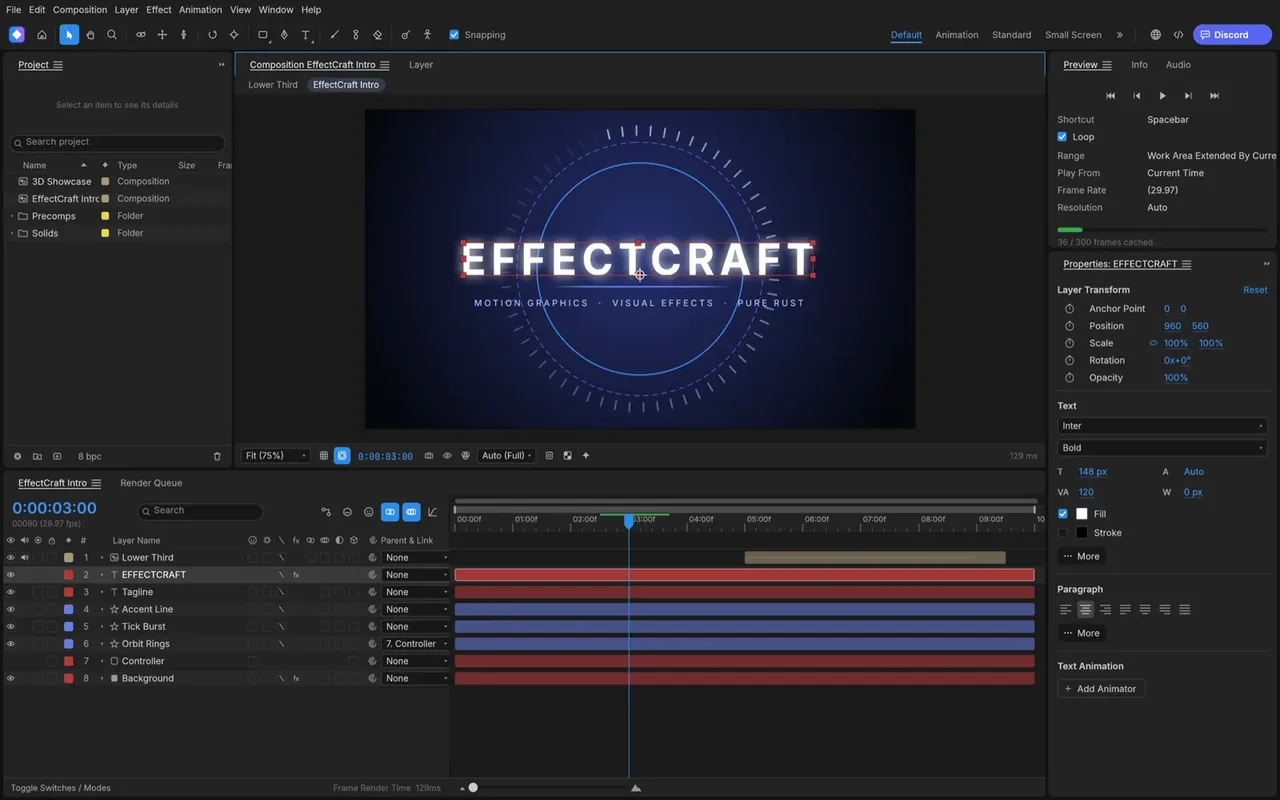
6. EffectCraft: the After Effects-style motion graphics app
EffectCraft works with compositions, layers and keyframes, with a graph editor, 38 blend modes and 259 effects across blur, colour correction, distortion, keying, particles and more. It supports 3D layers with cameras, depth of field and lights, JavaScript expressions such as wiggle and loops, and a render queue. Exports include H.264 and ProRes (with alpha), PNG, TIFF and EXR sequences, GIF, and Lottie import and export. Status: in development, version 0.8.0.
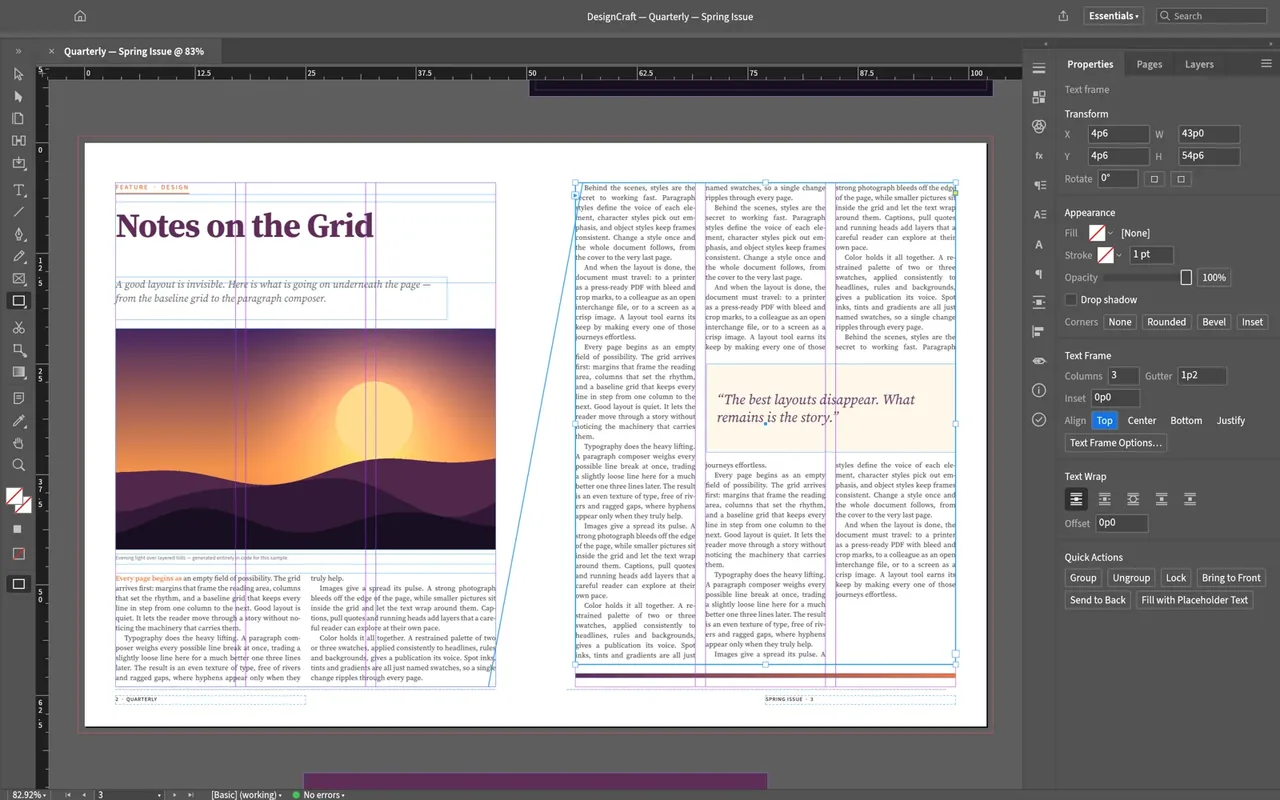
7. DesignCraft: the InDesign-style layout app
DesignCraft handles multi-page spreads, master pages, linked text threads, paragraph and character styles, swatches and text wrap. Typography is a highlight, with a Knuth–Plass line-breaking composer, dictionary-based hyphenation and baseline grids. Print features include embedded fonts, CMYK and spot colours, bleed, crop marks and archival PDF/A export. Status: in development, version 0.6.0.
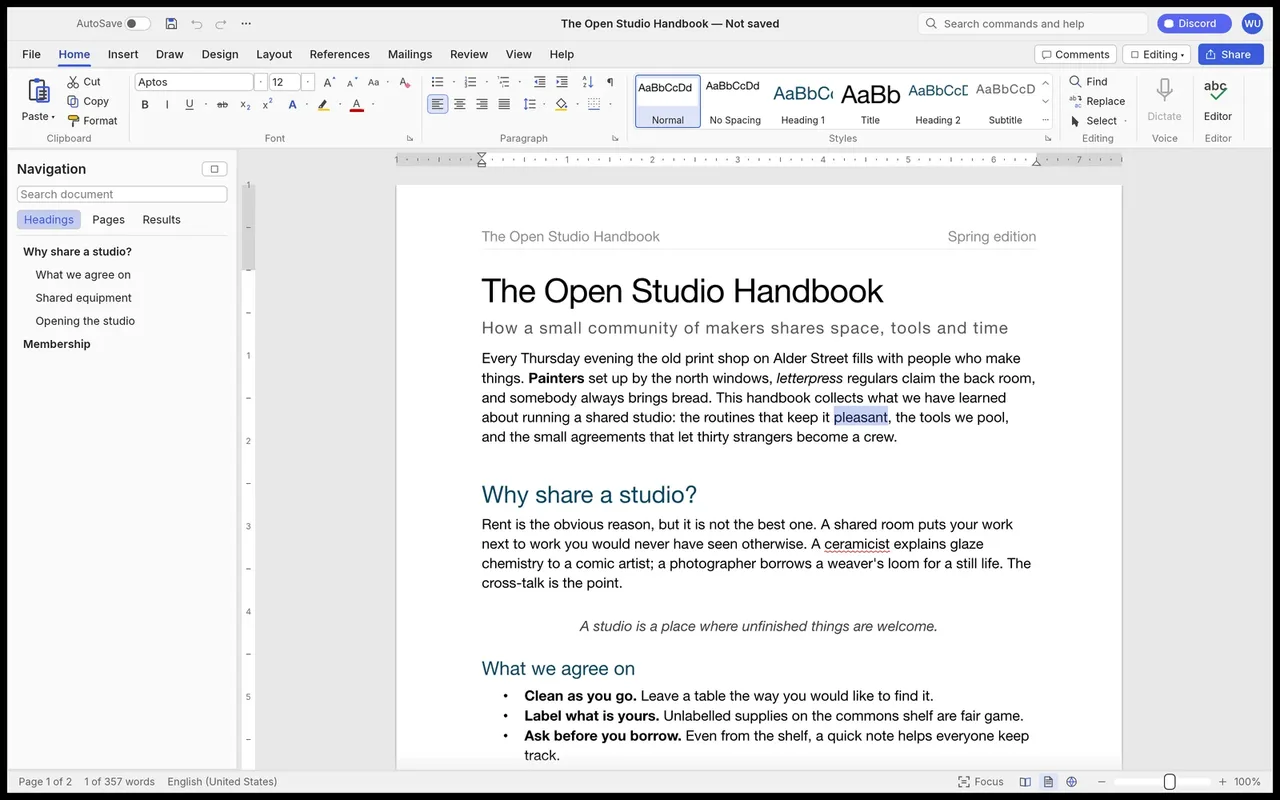
8. WordCraft: the Word-style word processor
WordCraft uses a familiar ribbon with a live Styles gallery. It opens and saves .docx natively, imports or exports .odt, .rtf, .html, .md and .txt, and exports PDFs with selectable text. It includes track changes with comment balloons, tables of contents, footnotes, citations and bibliographies (APA, MLA, Chicago, IEEE), offline spelling and grammar checking, and dark mode. Status: in development, version 0.5.0.
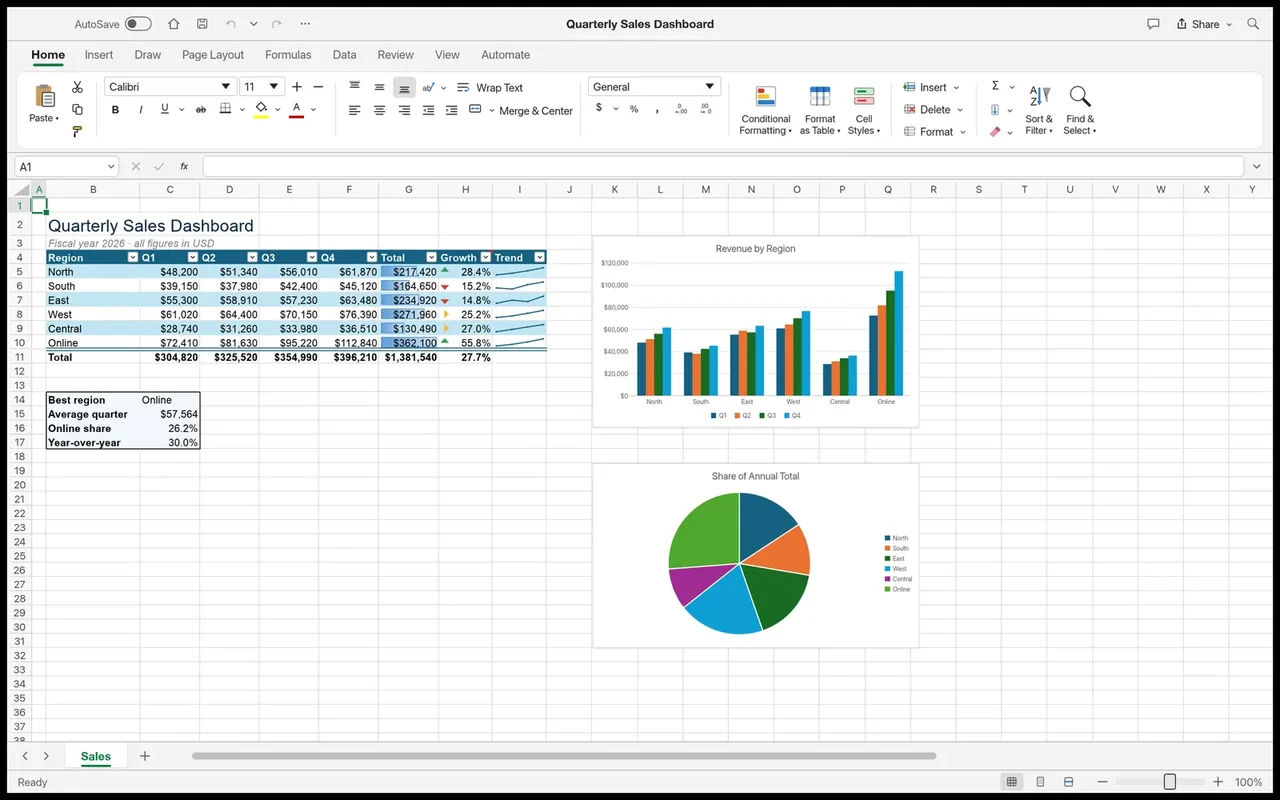
9. GridCraft: the Excel-style spreadsheet app
GridCraft offers ribbon tabs, a formula bar, Name Box, fill handle and conditional formatting. It reads and writes .xlsx files, and the site says styles, formulas, dynamic arrays, tables, validation, comments, sparklines and PivotTables round-trip cleanly. It has 500+ functions including LET, LAMBDA, MAP and REDUCE, 17 chart types and PivotTables. Status: in development, version 0.5.0.
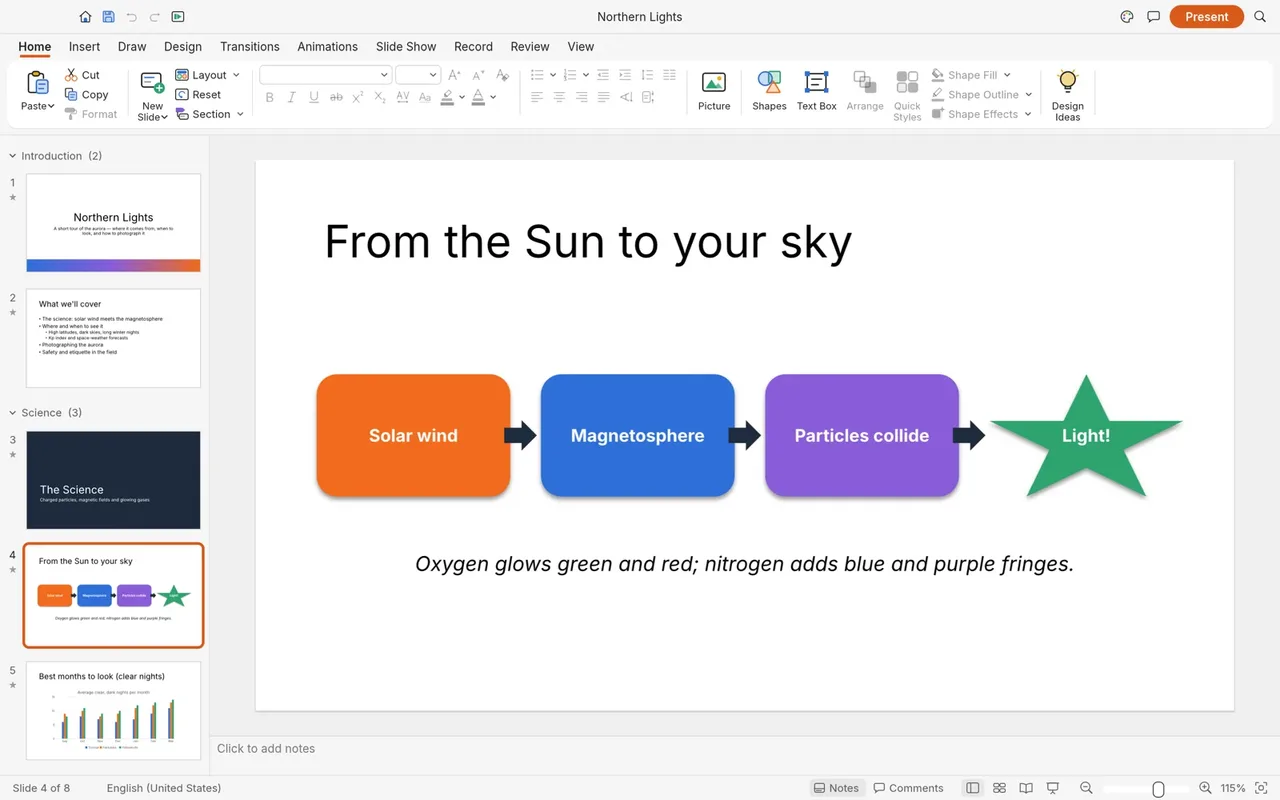
10. DeckCraft: the PowerPoint-style presentation app
DeckCraft provides slide masters, 11 layouts, 8 themes, more than 150 preset shapes, transitions (including Morph) and entrance, emphasis, exit and motion-path animations. A presenter view adds speaker notes, timers and pen drawing. It opens and saves .pptx files and exports vector PDF slides and handouts. Status: in development, version 0.5.0.
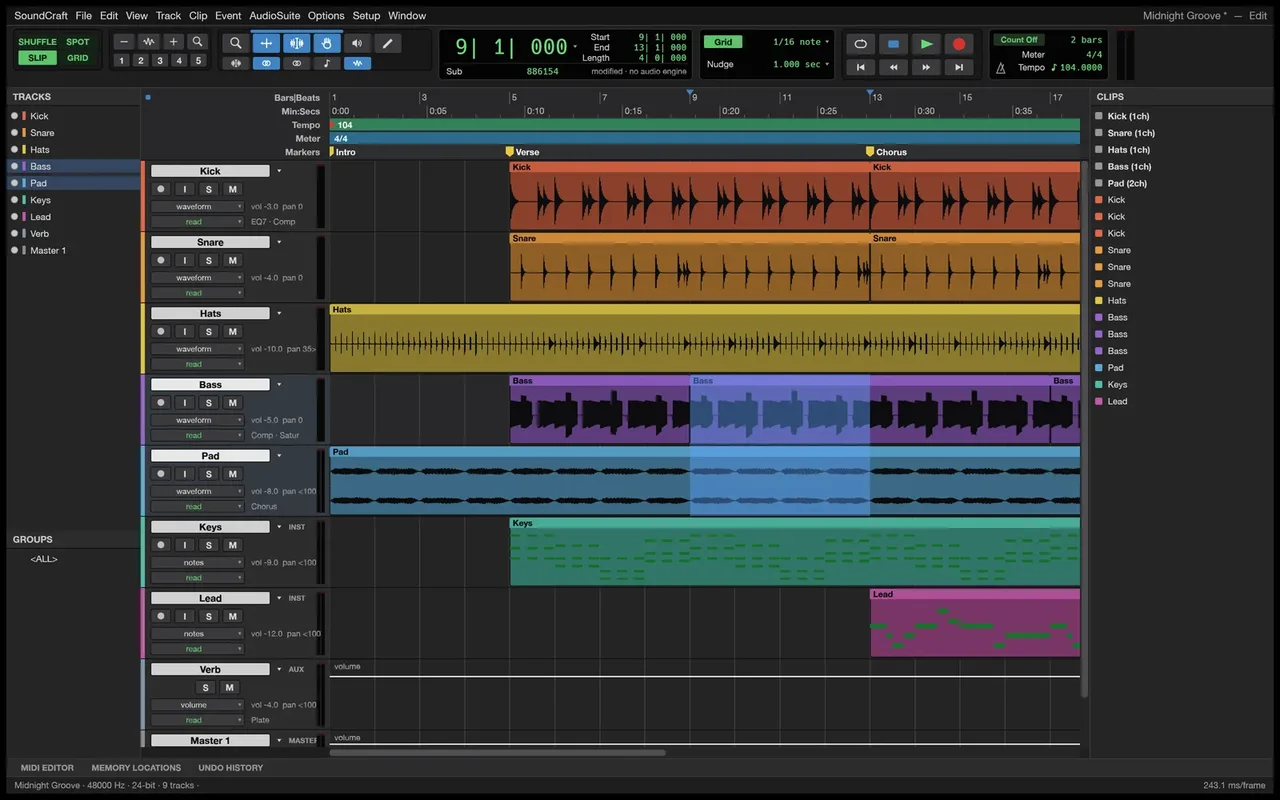
11. SoundCraft: the audio workstation
SoundCraft is a digital audio workstation with separate Edit and Mix windows, comping playlists, ten inserts and sends per track, and Write, Touch, Latch and Trim automation. It includes built-in EQ, dynamics, reverbs, delays and synthesizers, supports external CLAP plugins, and adds a piano-roll editor, score notation and surround panning up to 9.1.6. Status: in development, version 0.5.0.
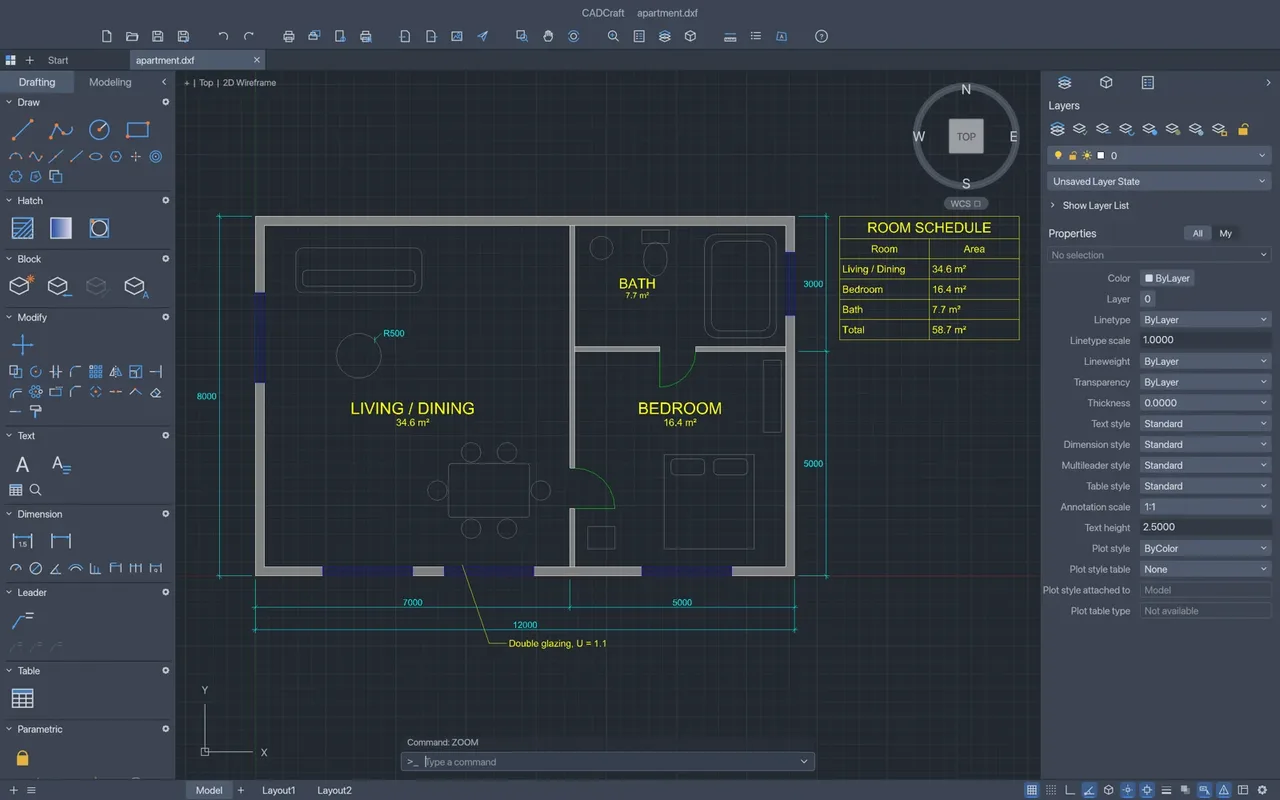
12. CADCraft: the CAD and drafting app
CADCraft supports command-line input, object snaps, polar tracking, dimensions, hatching, blocks, paper-space layouts and parametric constraints. It reads and writes DXF (R12 to 2018) and opens DWG (R13 to 2018); the site does not say DWG can be saved. It exports PDF, SVG and PNG. Status: in development, version 0.5.0.
Pros and limitations
What looks good
- Free and open source, with no subscription and no account needed for the Craft Apps.
- Native Rust apps that run offline and use the GPU, so they aim to be fast.
- Real file-format support for the formats people use: PSD, DOCX, XLSX, PPTX, DXF/DWG, SVG and PDF.
- One launcher manages installs and updates for all 12.
- Windows, macOS and Linux are covered, plus web versions for most apps.
What to watch out for
- Maturity. PhotoCraft and PdfCraft are “early alpha” and the other ten are “in development”. Expect missing features and bugs.
- Compatibility is not guaranteed. Complex Word, Excel or PowerPoint files may not look identical. Keep your originals and test with copies.
- No feature-for-feature promise. Plugins, templates, cloud collaboration and fonts that Adobe and Microsoft provide are not part of the offer.
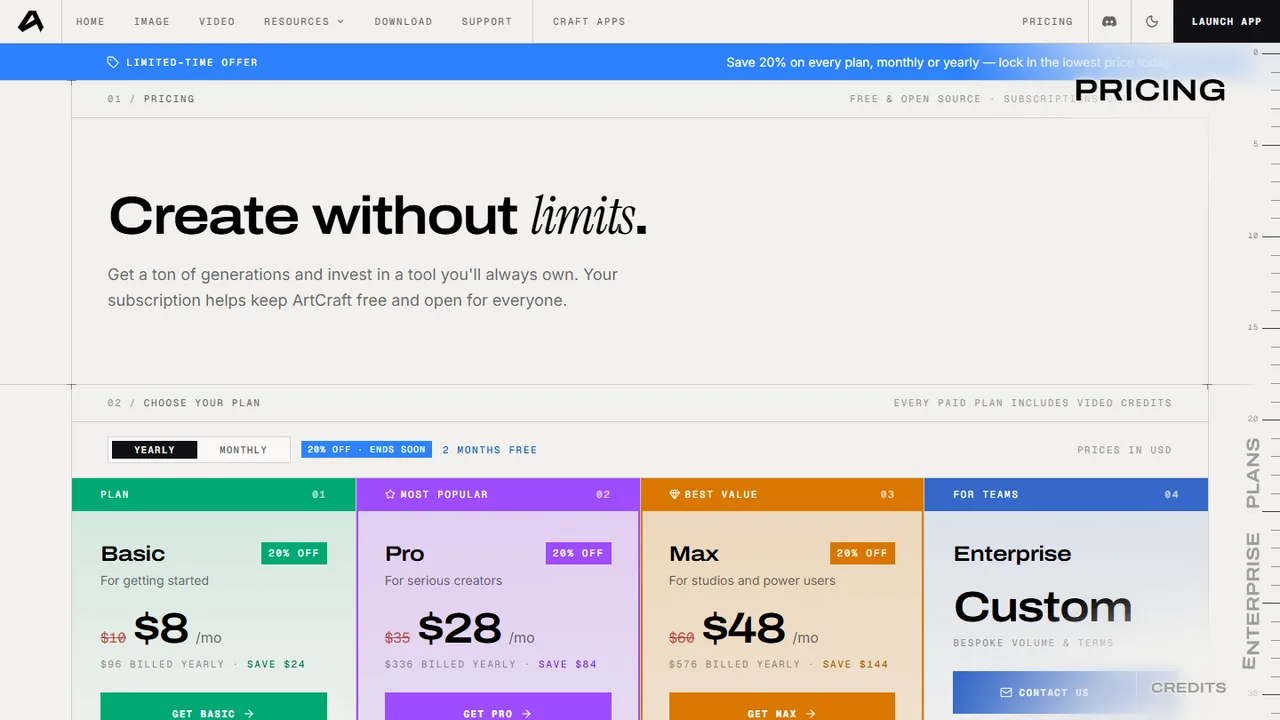
- The AI studio is not entirely free. It is free to start, but heavy use needs credits. Paid plans listed on the pricing page are Basic $8/month, Pro $28/month and Max $48/month (billed monthly, with a limited-time discount), plus one-time credit packs. The 12 Craft Apps are listed as free and open source.
Who should try ArtCraft?
- Students and home users who need basic documents, spreadsheets and slides without paying for Office.
- Hobbyists who want to try photo, vector, video or audio editing without a subscription.
- Developers and automation fans who like command-line and MCP control.
- Privacy-minded users who want local software with no telemetry.
If you work to client deadlines, keep your current tools and use ArtCraft on the side until the apps leave alpha.
Safety checklist before you install
- Download only from getartcraft.com or the official GitHub account.
- Verify the SHA-256 checksum if you can.
- Test on copies of important files.
- Keep your existing software installed until a Craft App handles your workflow.
Frequently asked questions
Is ArtCraft really free?
The 12 Craft Apps are listed as free and open source. The AI studio is free to start, with optional paid credit plans for heavy generation.
Is it a full replacement for Photoshop or Microsoft Office?
Not yet. The site labels the apps as early alpha or in development, and it does not claim to replace any specific product.
Can WordCraft, GridCraft and DeckCraft open my Office files?
They are built to open and save .docx, .xlsx and .pptx, but results on complex files can vary. Test with copies first.
Does it work on Windows, Mac and Linux?
Yes. Windows 10 or newer, macOS 12 or newer, and several Linux package formats are offered.
Do I need an account?
Not for the Craft Apps, according to their pages. The AI studio asks you to sign in or create a free account.
Do the apps work offline?
Yes. The Craft Apps are native and run locally. The AI studio’s generation features need an internet connection.
Related guides on AxeeTech
- The Complete Guide to Excel Shortcut Cheat Codes: useful if you test GridCraft and want to keep your spreadsheet shortcuts.
- 7 Best Ways to Use Microsoft Word for Students Besides Just Writing: ideas to try in WordCraft too.
- Keynote for PC Windows and Mac: another way to build slides, next to DeckCraft.
- How to Tile Print a PDF for Large-Scale Projects: a handy PDF job to try in PdfCraft.
- Adobe Reader Online Tips and Tricks: PDF reading tips if you still use Adobe Reader.
- 15 Best Free AI Image Generators in 2026: more free options for AI images.
- How to Change Default Apps for File Types in Windows 11 and 10: set a new app as the default for .docx, .xlsx, .pptx or PDF files.
Final verdict
ArtCraft is one of the more ambitious free-software projects we have seen: twelve native apps, one launcher, and support for the file formats people use every day. The catch is timing. These tools are young, so try them alongside your current software instead of replacing it. To start, install the launcher and test WordCraft, GridCraft, DeckCraft and VectorCraft first, then check back as the projects mature.
Sources: getartcraft.com home, download, pricing and app pages, and the ArtCraft Launcher v0.2.1 release notes on GitHub. Versions and details may change as the project updates.

Axee Davies is the founder of AxeeTech, publishing gaming guides, codes, and Windows how-tos since March 2013. A tech enthusiast for 13+ years — starting with smartphones and Android rooting — he now runs a site that puts out a new guide every day for Roblox players, traders, and Windows users. More about AxeeTech