DONT SPLASH Locked Exit Code: How to Find the 4 Pillar Numbers
Locked Exit is the ninth and final room in DONT SPLASH. A keypad door blocks the way out, and lots of players search for the code. Here’s how to get yours.
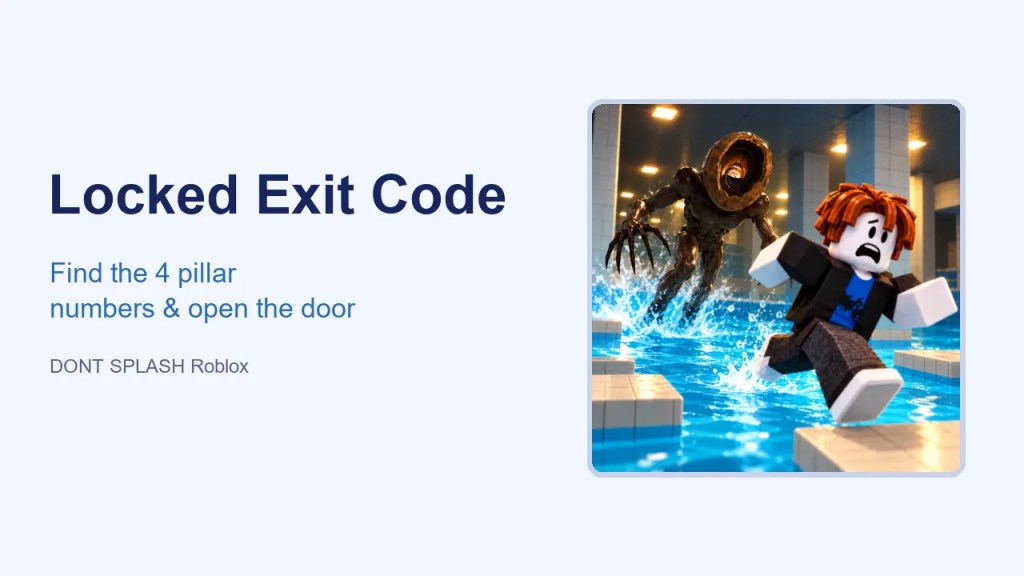
How to open the Locked Exit door
- Enter the room and find the four pillars that each show a number.
- Walk up to a pillar and use the camera prompt to photograph its number.
- If you get a no number message, move closer, centre the number and try again.
- Repeat for all four pillars. Your photos keep the digits for you.
- Go to the door and enter the four digits from your photos.
- The door opens and you reach the YOU ESCAPED screen.
Why codes from videos don’t work
The digits are generated for each run. A code you saw on YouTube or TikTok was right for that player’s run only.
Tips
- Split up in a party: each player photographs one pillar. It’s faster, but stay off the water’s edge.
- Photographing doesn’t make noise, but walking into the water does. Plan a dry route between pillars.
- Keep a pebble or flare ready for the walk back to the door.
What happens after you escape
You get a results screen with your time and coins. A reported Normal clear paid 310 coins. Put them toward your next tool with the coin calculator. No secret endings have been confirmed.
FAQ
What is Dont Splash Locked Exit code in DONT SPLASH?
There isn’t a fixed one. Each run has its own four digits, shown on four pillars in the room.
How do you take photos in DONT SPLASH?
Walk up to a pillar and use the camera prompt that appears. Move closer if it says no number.
Is the Locked Exit code a promo code?
No. It’s an in-run puzzle. For promo codes, see our codes page.
More DONT SPLASH guides
- Walkthrough
- Codes
- Live Stats
- Monster
- Tools & Shop
- Coin Calculator
- Memory Bridge
- Parents
- vs Dont Spill
Sources

Axee Davies is the founder of AxeeTech, publishing gaming guides, codes, and Windows how-tos since March 2013. A tech enthusiast for 13+ years — starting with smartphones and Android rooting — he now runs a site that puts out a new guide every day for Roblox players, traders, and Windows users. More about AxeeTech
More Games You May Like
 Tricky Doors Walkthrough: How Every Level Works (Plus Level 1 Magic World Solved)
 Narutodle: How to Play the Daily Naruto Character Guessing Game
 Kaizen Binding Vow Tier List: Best Vows Ranked
 Anime Squadron Tier List: Best Units Ranked
 Tarkov Headset Tier List: Best In-Game Headsets Ranked
 ESD-USB: How to Create a Bootable USB from a Windows ESD File
 How to Use a Windows Spotlight Background Without the “Learn About This Picture” Icon
 Fix “Bootrec Fixboot Access Denied” on Windows 10 and 11