4 Things You Should Check Before Buying Your Gaming PC
When it comes to gaming, you can either go the PC route or the console route. While there are plenty of pros and cons for both, many people prefer to go the PC route.
Whether you already have a gaming PC or you’re looking to buy your first, it can be pretty exciting.
But before you dive into the world of gaming PCs and get a new gaming headset, there are a few things you need to know. To give you an idea, here are a few things you should look for when buying a gaming PC.
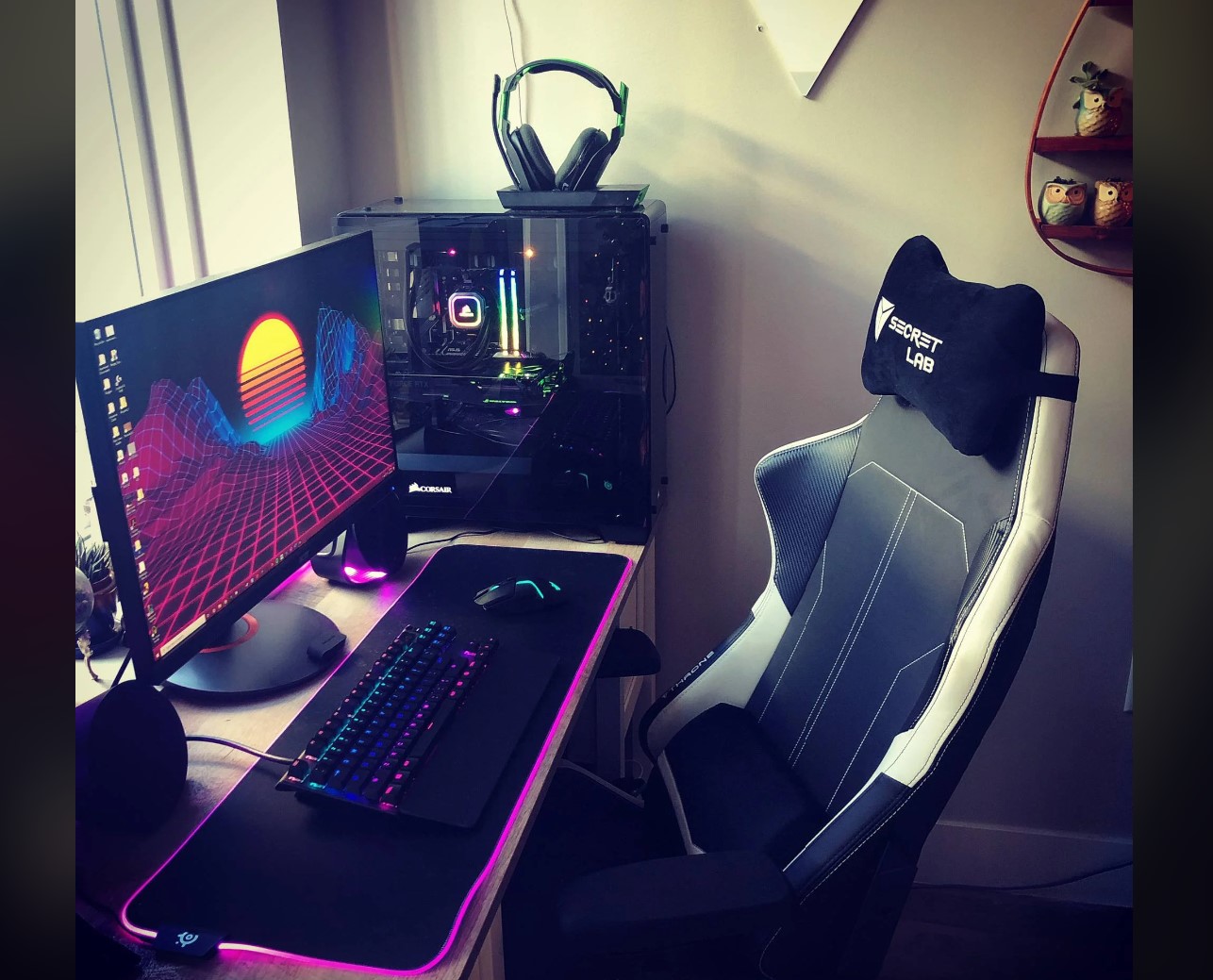
A Suitable Graphics Card
The first thing you should look for when you’re buying a gaming PC is the graphics card.
The graphics card is basically the heart and soul of your gaming PC. A powerful graphics card can give you stunning visuals and very smooth gameplay.
The most popular ones that you can look out for are NVIDIA GeForce or AMD Radeon. That’s because they offer a range of high-performance graphics cards at different prices to suit all kinds of budgets.
To know what you need, you should check the recommended system requirements of the games you want to play on your gaming PC.
The Right Processor
After the graphics card, you need to get a good brain for your gaming PC.
Having a powerful processor can make sure your PC can handle the demands of the latest online games. You should look for processors with multiple cores and high clock speeds. If you don’t know much, you can look into Intel Core i5 or AMD Ryzen 5 processors.
But, you can look into higher-end processors like Intel Core i7 or AMD Ryzen 7 if you have a bigger budget for a gaming PC setup.
Good Level of RAM
Your computer’s RAM also plays a crucial role in the gaming performance. The RAM determines how smoothly your PC can run the games along with other programs. Basically, a lighter RAM won’t allow you to play higher-end games.
While you should try to get the most RAM, you should try to get at least 8GB of RAM. Anything below that is useless for modern gaming. Additionally, you should make sure the RAM has a high clock speed. That’s because it directly impacts the speed at which your PC processes data.
Plenty of Storage
Another thing your PC needs is plenty of storage space. Basically, the more space you have, the more games you can store.
But when it comes to storage, you will see two main types: Solid-state drives and hard disk drives. Hard disk drives or HDD are the normal types of hard disks that your regular laptop or PC has been using. When it comes to SSDs or solid-state drives, they are new technology. For gaming, they offer faster loading times and reduced lag in games.
Ideally, you should get a gaming PC with both SSD and HDD. The SSD can run the operating system and your games, while the HDD provides a good level of storage space for your game library. This will give you a balance between speed and capacity.
If you can’t find the right setup, you can look into Evatech’s custom gaming desktops in Australia.

Axee Davies is the founder of AxeeTech, publishing gaming guides, codes, and Windows how-tos since March 2013. A tech enthusiast for 13+ years — starting with smartphones and Android rooting — he now runs a site that puts out a new guide every day for Roblox players, traders, and Windows users. More about AxeeTech
More How to You May Like
 Top 3 Free online MBOX to PST Converters
 Common Causes of Sewage Backup That Require Emergency Sewage Cleanup Services
 Windows Resource Protection Could Not Start the Repair Service
 MEMORY_MANAGEMENT Blue Screen in Windows 10 and 11: 8 Fixes
 Night Light Not Working in Windows 11: 7 Easy Fixes
 Windows 11 Update Stuck at 46%: 7 Proven Fixes
 Start Menu Not Working in Windows 11: 7 Fixes That Work
 Repair Windows 10 From USB: 7 Step-by-Step Fixes