ERR_CONNECTION_RESET: 7 Working Fixes for Chrome
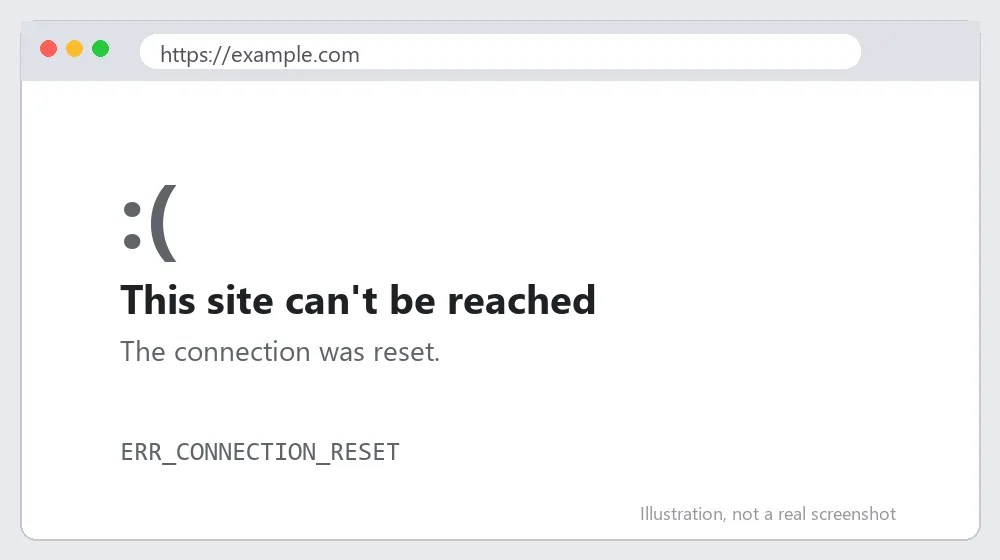
ERR_CONNECTION_RESET means the connection was reset while the page was loading. You see “The connection was reset” in Chrome. Here is how to fix ERR_CONNECTION_RESET without reinstalling anything.
Quick answer: ERR_CONNECTION_RESET means something cut the connection after it started. Turn off the VPN and proxy, pause antivirus HTTPS scanning, reset the network stack, and update your network driver.
What Causes ERR_CONNECTION_RESET?
A reset means the connection was established and then abruptly closed. Usual causes:
- An unstable network or Wi-Fi interference.
- A firewall or antivirus scanning HTTPS traffic.
- A VPN or proxy dropping the session.
- Outdated network adapter drivers.
How to Fix ERR_CONNECTION_RESET: Step-by-Step
Step 1: Reload and test another site
Press Ctrl+Shift+R for a hard reload. If only one site fails, the site’s server is likely resetting connections.
Step 2: Disable the VPN and proxy
Switch both off and try again, as they are the most common cause.
Also Read: https://axeetech.com/how-to-fix-err-connection-timed-out-complete-guide/
Step 3: Pause the firewall or antivirus HTTPS scanning
Many antivirus suites inspect secure traffic and can reset connections. Turn off web shield or HTTPS scanning briefly to test. If the connection resets only on secure pages, also read our SSL protocol error guide.
Step 4: Reset the network stack
Run netsh winsock reset and netsh int ip reset in an administrator Command Prompt, then restart the PC.
Step 5: Update the network driver
Open Device Manager, expand Network adapters, right-click your adapter, and choose Update driver. Our manual driver update guide shows the full process.
Step 6: Lower the MTU
On routers or adapters with a wrong MTU, large packets get dropped. Setting the adapter MTU to 1400 can help; reset to 1500 if nothing improves.
Step 7: Try a different browser
If Edge or Firefox loads the site, clear Chrome cache and reset its settings using the Chrome Help Center steps.
ERR_CONNECTION_RESET on Mac, Android and iPhone
On a Mac, turn off any VPN profile under System Settings, VPN, and remove stale proxy entries under Network, Details, Proxies. Restarting the Wi-Fi interface by toggling it off and on often clears a stuck session.
On Android, switch between Wi-Fi and mobile data to see which network resets the connection. If only Wi-Fi fails, restart the router. Google lists mobile troubleshooting steps in the Chrome Help Center.
Advanced Troubleshooting for ERR_CONNECTION_RESET
Open Command Prompt and run netsh int ip reset, netsh winsock reset and ipconfig /flushdns, then reboot. These three commands rebuild the Windows network stack and are the most reliable fix for repeat resets.
Check Event Viewer under Windows Logs, System, for network adapter errors around the time of the reset. A driver that keeps restarting will show repeated warnings. Compare with the ERR_EMPTY_RESPONSE guide, which shows a similar pattern with a different cause.
For site owners: resets can come from a web application firewall or a server limit on connections per IP. Review your hosting firewall logs. For certificate-related resets see ERR_CERT_AUTHORITY_INVALID. The MDN HTTP documentation explains how connections are established and closed.

How to Stop ERR_CONNECTION_RESET Coming Back
- Keep drivers updated.
- Do not run two security suites at once.
- Restart the router every few weeks.
Common Mistakes When Fixing ERR_CONNECTION_RESET
Most repeat cases of ERR_CONNECTION_RESET come from a handful of avoidable slips. Before you spend an hour on advanced troubleshooting, check that you have not made one of these:
- Reinstalling Chrome, which almost never helps because the reset happens on the network, not in the browser.
- Running two security suites at once, each scanning the same encrypted traffic.
- Ignoring outdated network drivers after a major Windows update.
Testing one change at a time also helps. If you change DNS, proxy and firewall settings together, you will not know which change actually fixed ERR_CONNECTION_RESET, and you may leave a harmful setting in place.
Quick Recap: Fixing ERR_CONNECTION_RESET
Work through the fixes in order, because most cases of ERR_CONNECTION_RESET clear up within the first three or four steps. If you still see ERR_CONNECTION_RESET after every step, note the time it happens, which network you are on, and which sites are affected, then contact your internet provider, your hosting company or the site owner with those details.

ERR_CONNECTION_RESET FAQ
What causes ERR_CONNECTION_RESET?
An interrupted connection, usually from a network problem, a firewall, a VPN or a proxy.
Can a website cause it?
Yes. A site that is overloaded or blocks your IP can reset connections.
Is it safe to disable antivirus?
Only for a short test. Re-enable it right after and add exceptions instead.
Is ERR_CONNECTION_RESET caused by my ISP?
It can be. If the same site resets on your home network but loads on mobile data, your ISP or router is the likely cause.
Will reinstalling Chrome fix ERR_CONNECTION_RESET?
Usually not, because the reset comes from the network. Try resetting the network stack and disabling VPN or antivirus scanning first.

Axee Davies is the founder of AxeeTech, publishing gaming guides, codes, and Windows how-tos since March 2013. A tech enthusiast for 13+ years — starting with smartphones and Android rooting — he now runs a site that puts out a new guide every day for Roblox players, traders, and Windows users. More about AxeeTech
More Guides You May Like
 Top 3 Free online MBOX to PST Converters
 What Is the Blue Dot Beside the Battery in Samsung Phones After the One UI 9 Update?
 ArtCraft Review: 12 Free Adobe & Microsoft Office Alternatives (Launcher + Download Guide)
 Star Citizen Retribution: What It Is and Can You Buy It
 Star Citizen Ranta Dung: Where to Find It and Price
 Star Citizen Wikelo Ships: How to Get War Special Rewards
 Star Citizen Sabre Firebird: Specs, Price and Where to Buy
 Star Citizen Executive Hangar Guide: Timer and Rewards