Star Citizen Executive Hangar Guide: Timer and Rewards
The Star Citizen Executive Hangar is one of the biggest rewards in Pyro: a hangar with a free ship, rare weapons and grade A components. It is also one of the easiest places to lose a whole evening, because the door only works at certain times and you need seven items before you arrive. This guide explains the timer, the items and the steps, using the Star Citizen wiki guide for version 4.8.3 and later.
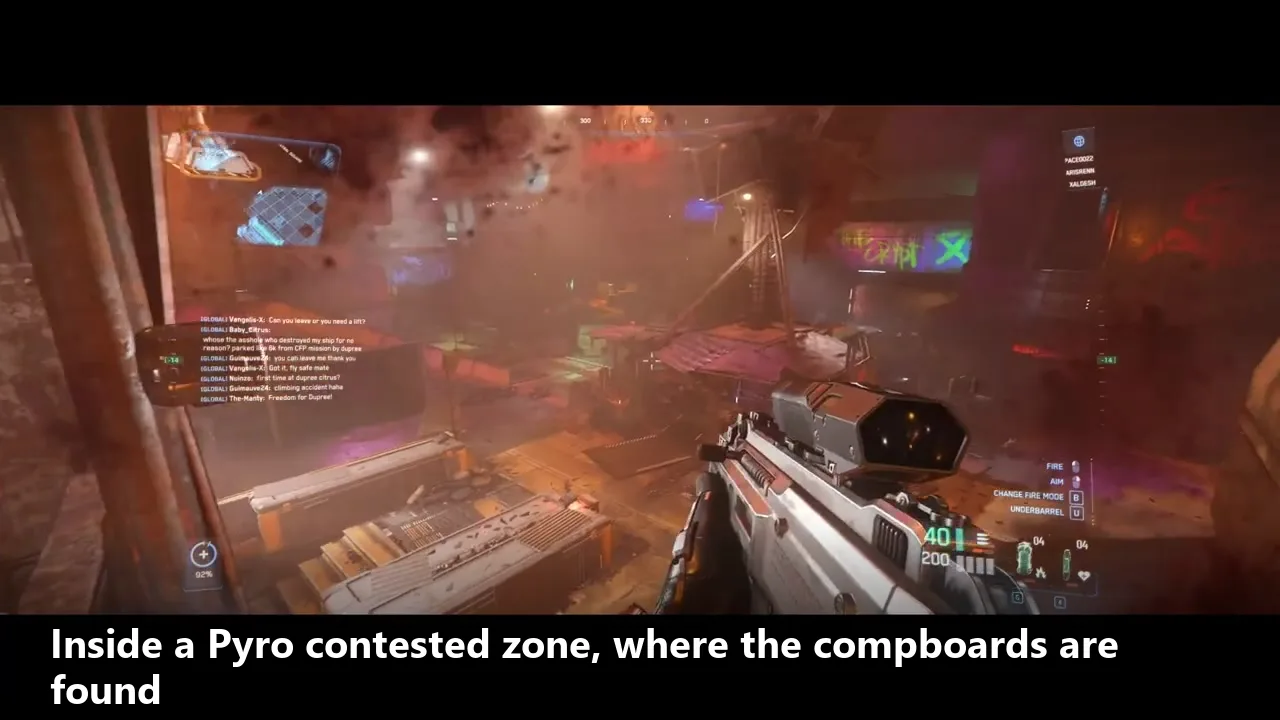
Where the Star Citizen Executive Hangar is
The Executive Hangar is at PYAM-EXHANG-0-1, a cluster of three asteroid bases near the Pyro sun, to the southwest of the star. Only one base is active at a time, and all of them share the same layout. The hangar door is hidden on the far side of the asteroid, on the same plane as the entrance, so look around the rock before you decide it is missing.
What you need before you go
You need seven compboards. They are found in the Contested Zones of Pyro, and each one goes into a slot along the pipes near the status lights. To reach the compboards you also need keycards and fuses. The wiki lists Red, Blue, Crypt, Wasteland and Last Resort keycards, plus fuses for the fuse doors.
- Seven compboards from the Pyro Contested Zones
- Keycards for the doors inside those zones
- Fuses for fuse doors, which stay open about 30 to 60 seconds
- A cargo ship so you can carry the weapons and components that spawn in the hangar
How the status light timer works
The hangar runs on a repeating cycle shown by five status lights. The wiki gives these exact timings:
- Powering up: one red light turns green every 24 minutes, so full charge takes up to 2 hours
- Active: one green light turns off every 12 minutes, giving about 1 hour of active time
- Reset: 5 minutes after the last green light goes out, all five lights turn red and the cycle restarts
The compboards only work when at least one light is green and no light is red. The door opens when that is true and all seven compboards are inserted. This is why timing matters: arrive during the red phase and nothing you do will help.
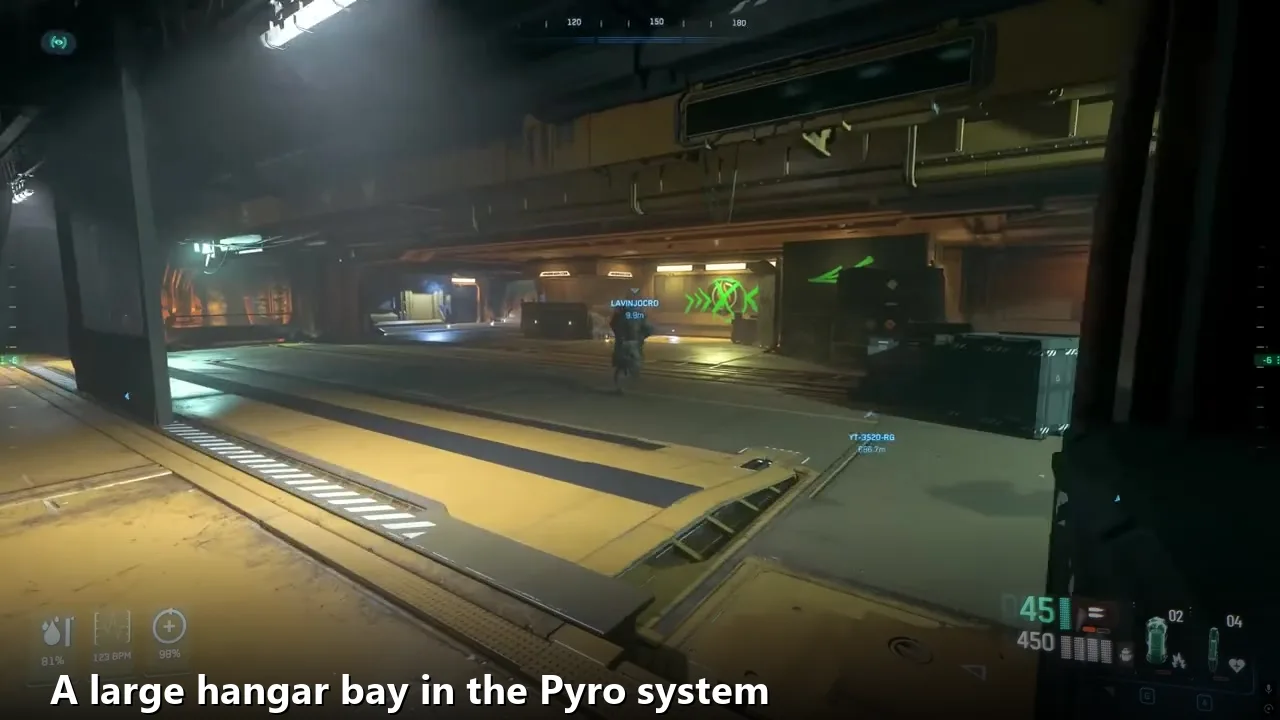
Step by step: opening the hangar
Step 1: Collect the seven compboards
Work through the Pyro Contested Zones and collect all seven boards. Expect to pass fuse doors, keycard doors and the single timer door at Ruin Station’s Vault, which opens for 1 minute and stays closed for 20.
Step 2: Travel during an active window
Fly to PYAM-EXHANG-0-1 when at least one light is green and none are red. If you arrive early, wait for the lights to charge. A tracker site can help you plan, but confirm with the lights themselves.
Step 3: Enter and find the receptacles
Go into the base and head to the zero-g area. Insert all seven compboards into their receptacles near the status lights.
Step 4: Claim the ship
Go through the opened door and claim the reward ship. Then retrieve it and claim it at the ASOP terminal. Only one player can claim the ship, so agree on who takes it if you go as a group.
Reward ships and loot
The wiki says you receive one of eight ships, each in a military or stealth variant. They include the Anvil F7A Hornet Mk II Executive, the Anvil F8C Lightning Executive, the Drake Corsair Executive, the Drake Cutlass Black Executive, the Gatac Syulen Executive, the Mirai Guardian MX Wikelo War Special, the RSI Meteor Executive and the RSI Scorpius Wikelo War Special. Rare FPS weapons such as grenade launchers and railguns, plus grade A ship components, can also spawn in the hangar.
Warnings that save your run
- When the hangar doors close, anyone or any ship still inside the hangar or engineering is killed or destroyed
- You cannot open the hangar doors manually from the inside
- The wiki gives two different door timings, 30 minutes in one section and 10 minutes in another, so leave early and do not rely on the longer number
- Close fuse doors behind you to protect yourself from other players
- Keycard printers have a 30 minute cooldown, so plan your stockpile ahead
Tips for a smoother run
Go in with a team if you can. One person can fly the cargo ship while others collect boards, and the door and printer cooldowns are easier to manage with more hands. Keep a note of which boards you have, and do not enter the hangar until you are sure all seven are on you. If you are new to Pyro, watch a full video walkthrough once before you try it. The Radical Panda and Infinite Space videos on YouTube both cover the contested zones and the hangar.
Related Star Citizen guides
- Star Citizen TS-2 quantum drive guide
- Star Citizen Sabre guide
- Star Citizen Teach’s Ship Shop guide
- Star Citizen error 3221225477 fix
Details in this guide come from the Star Citizen wiki Executive Hangars guide. For the game overview see Wikipedia and the official RSI site.
Star Citizen error fixes on AxeeTech
Running into crashes or login problems while you play? These error fix guides can help:
- Star Citizen error code 6000
- Star Citizen error code 30005
- Star Citizen error code 3221225477
- Star Citizen error code 3005
- Star Citizen error 19000

Axee Davies is the founder of AxeeTech, publishing gaming guides, codes, and Windows how-tos since March 2013. A tech enthusiast for 13+ years — starting with smartphones and Android rooting — he now runs a site that puts out a new guide every day for Roblox players, traders, and Windows users. More about AxeeTech