Which Minecraft Version Is Best? Java vs Bedrock (2026)
Do you always think which Minecraft Version is best? While Minecraft sells two main versions: Java Edition and Bedrock Edition. They look alike at first, but they differ in big ways, Mods, crossplay, servers, and even price work differently. Pick the wrong one and you may miss the features you care about most.
Here is the short answer. Java Edition is best for PC players who want mods, custom servers, and free community content. Bedrock Edition is best for players who want crossplay with consoles and phones, smoother performance on weak hardware, and easy multiplayer. Let’s break it down so you can pick with confidence.
Whichever version you pick, you can plan round builds the same way with our free Minecraft Shape Generator.
For a sense of scale, Aerna is the largest Minecraft map project, showing just how ambitious community-built worlds can become.

Java vs Bedrock at a Glance
| Feature | Java Edition | Bedrock Edition |
|---|---|---|
| Platforms | Windows, Mac, Linux | Windows, Xbox, PlayStation, Switch, mobile |
| Mods | Free, huge library (Forge, Fabric) | Paid add-ons via Marketplace |
| Crossplay | PC only | All Bedrock platforms together |
| Servers | Thousands of free community servers | Featured servers plus Realms |
| Updates | Test snapshots before release | Same content, slightly later test builds |
| Best for | Modders and PC server fans | Console, mobile, and family play |
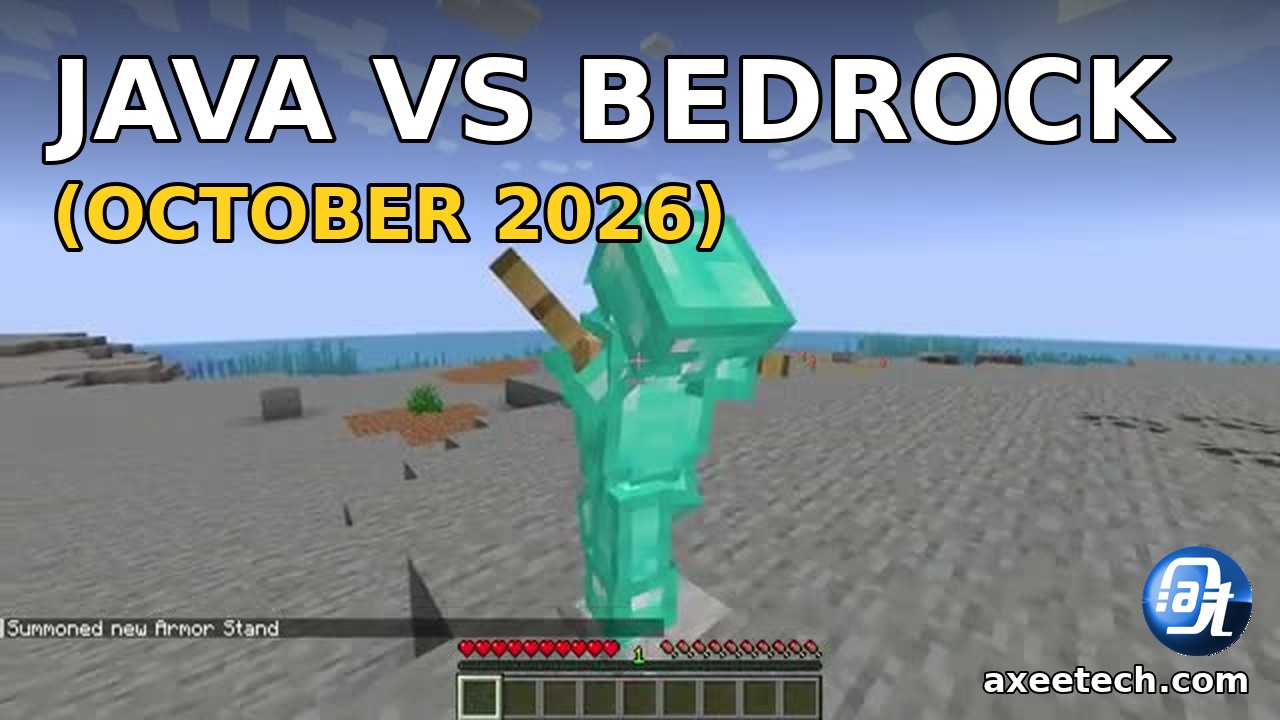
Minecraft Java Edition: Strengths
Java Edition is the original PC version, and it remains the pick for players who like to tinker. Its biggest draw is mods. Launchers like Forge and Fabric open the door to thousands of free mods: new dimensions, tech systems, magic, and total conversions. No other version comes close.
Java also leads on servers. Huge community servers run game modes you will not find elsewhere, from factions to minigame networks, and most cost nothing to join. Redstone engineers prefer Java too, since its mechanics are the ones most tutorials use. If you ever hit a crash on this version, our fix guide for the Java Virtual Machine error walks you through the most common startup failure.
Java-only projects like the Unstable SMP Civil War Finale Simulator map (1.21.11) are one reason to pick Java Edition.
The trade-offs: Java runs only on computers, and it needs more tuning. You manage RAM yourself, and big modpacks want a decent CPU. Performance mods like Sodium close much of the gap, but Bedrock still wins on weak machines out of the box.
Minecraft Bedrock Edition: Strengths
Bedrock is the version on consoles, phones, tablets, and the Windows Store. Its killer feature is crossplay. A player on Xbox can build with a friend on Switch and another on a phone, all in the same world. Java cannot do that.
Bedrock also runs better on low-end hardware. It is written in C++, so it uses less memory and holds higher frame rates on old laptops and phones. Families like it because joining a friend takes seconds: sign in with a Microsoft account and you are in. Realms, the official private server service, makes always-online worlds simple.
The trade-offs: real modding does not exist here. You get Marketplace add-ons instead, and the good ones cost Minecoins. Servers are fewer, and some Java mechanics behave slightly differently. If you play on Bedrock, see our confirmed Minecraft update list to track what Mojang has officially announced.
Price and What You Get

On PC, Mojang now sells both versions together as “Minecraft: Java and Bedrock Edition.” One purchase gives you both, so PC players do not have to choose at checkout. You can install Java for modded play and Bedrock for crossplay with console friends, switching between them freely.
On consoles and mobile, you buy the Bedrock version for that platform. Prices differ by store, but expect the standard game price with optional Marketplace purchases on top. Java Edition is not sold on consoles at all.
Minecraft remains one of the most played games on earth, as our gaming statistics show. Either version buys into that huge community.
Performance Compared
On the same PC, Bedrock usually runs faster with default settings. It loads chunks quicker and keeps frame rates steadier. Java can match or beat it, but you have to work for it: install Sodium or similar performance mods, set sensible RAM limits, and tune video settings.

On weak hardware, the gap is clear. A five-year-old laptop or a mid-range phone runs Bedrock smoothly while Java stutters. On a strong gaming PC, both fly, and the choice comes down to mods versus crossplay instead of speed.
Connection problems can hit either version. If multiplayer fails with a network error, our GETSOCKOPT connection error guide covers fixes for LAN and servers.
Which Should You Pick? The Verdict

Next steps. Match the version to the player.
- Pick Java if you play on PC, want mods, love big community servers, or follow redstone tutorials.
- Pick Bedrock if your friends play on console or mobile, your hardware is weak, or you want the simplest multiplayer.
- On PC, get both. The bundle includes Java and Bedrock, so use Java for modded worlds and Bedrock for crossplay nights.
- For kids on tablets or consoles, Bedrock is the only real option, and its parental controls help.
There is no wrong answer here, only a wrong fit. A modder on Bedrock will feel boxed in, and a console group on Java cannot even meet up. Pick for how you actually play. And if you also play Roblox between Minecraft sessions, our Roblox promo codes list has free items waiting.

Frequently Asked Questions
Which Minecraft version is best for mods?
Java Edition, by far. It supports Forge and Fabric mods, which are free and number in the thousands. Bedrock has only paid Marketplace add-ons. If you play with mods, the Cobblemon beginner guide covers setup, commands and tips.
https://axeetech.com/cobblemon-beginner-guide/
Can Java and Bedrock players play together?
No. The two versions cannot join the same world or server. Everyone in a group must use the same edition to play together.
Which Minecraft version is best for low-end PCs?
Bedrock Edition. It uses less memory and holds higher frame rates on weak hardware. Java needs performance mods and tuning to compete there.
Do I have to buy Minecraft twice to get both versions?
No. On PC, one purchase of “Minecraft: Java and Bedrock Edition” includes both. On consoles and mobile you buy Bedrock for that platform.
Which version gets updates first?
Both get the same major updates. Java players can test early snapshots, while Bedrock players get preview builds through a slightly different program.
Also Read: How to Claim Your Free Minecraft Nintendo Switch 2 Upgrade

Axee Davies is the founder of AxeeTech, publishing gaming guides, codes, and Windows how-tos since March 2013. A tech enthusiast for 13+ years — starting with smartphones and Android rooting — he now runs a site that puts out a new guide every day for Roblox players, traders, and Windows users. More about AxeeTech
More Games You May Like
 My Dystopian Robot Girlfriend Websites List: 34 Best .ic Sites (Ultimate Guide)
 My Dystopian Robot Girlfriend Guide: Ultimate Walkthrough and Best Tips (2026)
 Do you know Aerna, the largest Minecraft Map Project, covers over 5,200 km square?
 Overwatch Coins to USD Calculator: 1000 Coins = $9.99 (Best Packs 2026)
 Steam Market Fee Calculator: 15% Fee & CS2 Skin Net Payout (2026)
 Star Citizen Retribution: What It Is and Can You Buy It
 Star Citizen Ranta Dung: Where to Find It and Price
 Star Citizen Wikelo Ships: How to Get War Special Rewards